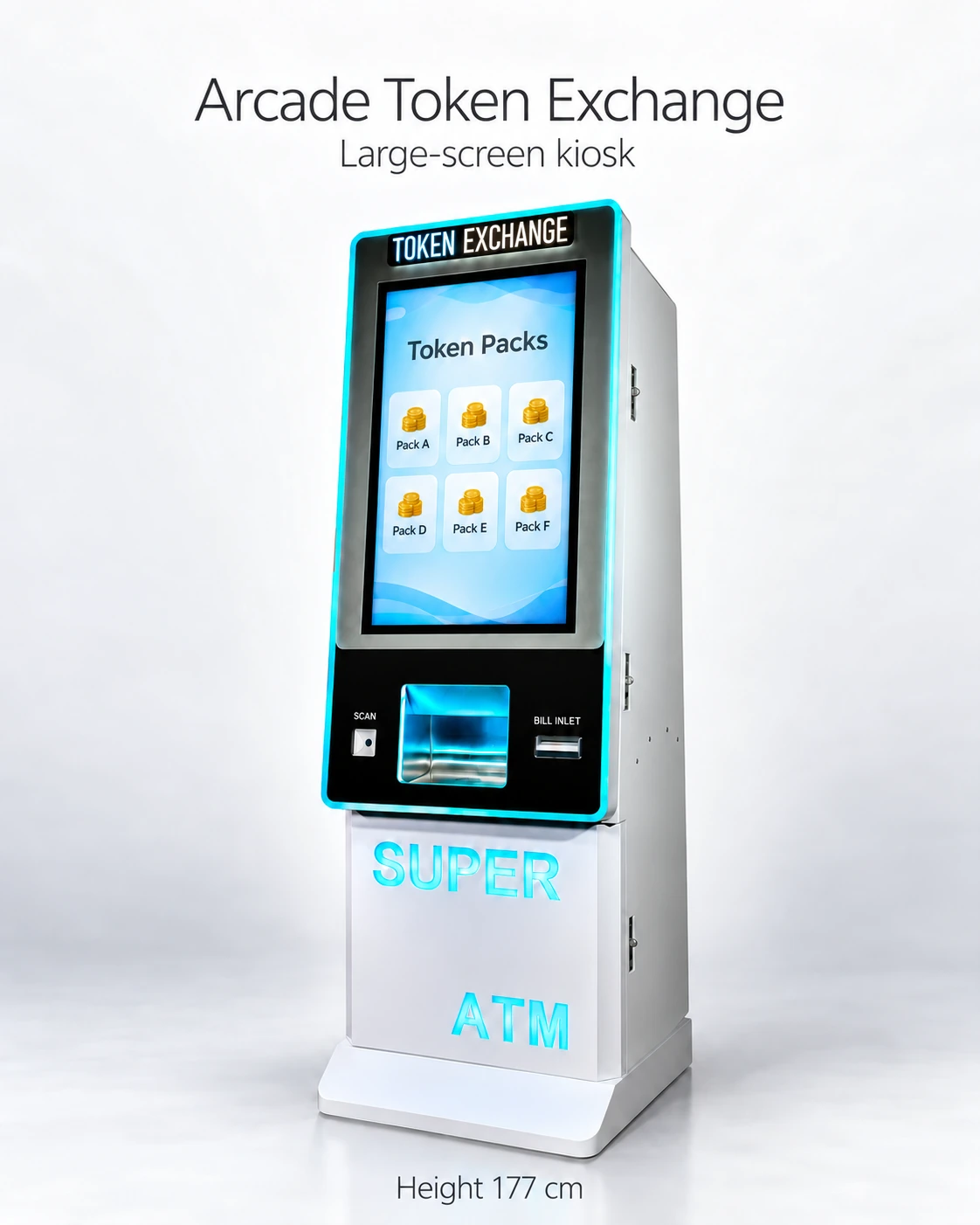
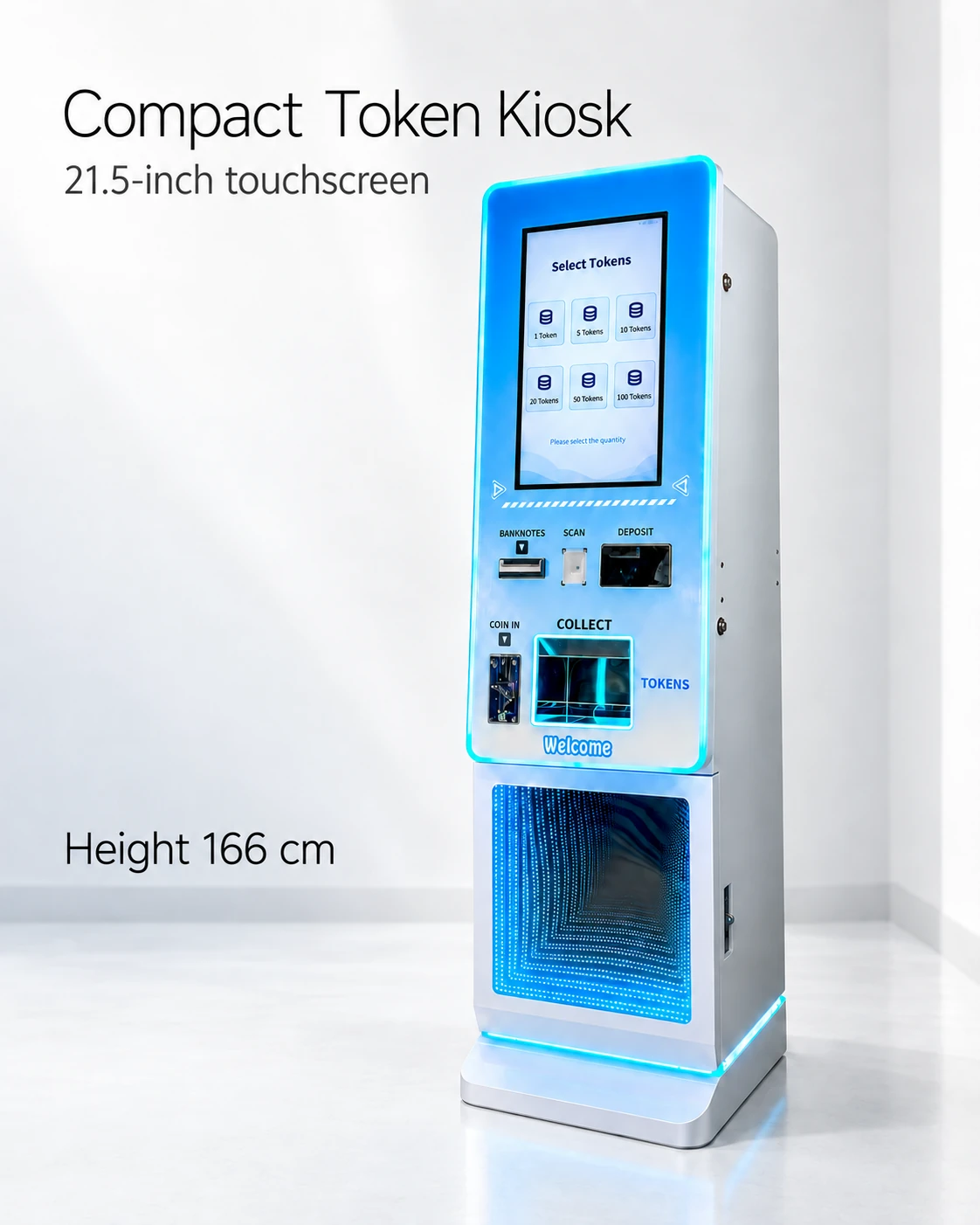
Token equipment
Token Changer Audit Reports: Reconcile Stock, Payouts and Payments
Keep physical token stock, payout evidence and payment records distinct when reconciling the reporting period.
Reconcile tokens before equating stock with sales
A token changer audit reconciles opening stock, refills, physical output, manual movements and closing stock. Match payout exceptions to payment records using the same time boundaries and event IDs.
Identify what the software reports: commanded quantity, counter quantity, physical-delivery evidence or payment status. The reference kiosk sheets do not define these fields, so reporting scope needs to be included in the quotation.
Use an opening-to-closing equation
Expected closing stock = opening physical stock + recorded refills + direct returns to the hopper − verified physical output − manual removals. Variance = counted closing stock − expected closing stock.
Keep test dispenses and returns identifiable. Use event IDs where available, and name the count method beside any aggregate figure.
- Period start/end and kiosk identity; note timezone and counter boundaries.
- Opening count, counting method and staff member.
- Every refill: quantity, source container and operator.
- Physical output evidence, with failed or partial delivery noted separately.
- Manual removals, approved test dispenses and direct returns to stock.
- Closing count and method; calculated variance and investigation owner.
- Payment totals and refund/adjustment IDs kept alongside the token record.
Work an assumed reconciliation example
Assume opening stock of 5,000 tokens, refills of 2,000, verified output of 3,500 and an authorized service removal of 100. Expected closing stock is 3,400. A closing count of 3,360 gives a −40-token variance. These figures are a hypothetical worked example.
Review the counting method, refill entries, test output and exception records to explain the difference. Keep the original variance visible and document any justified correction separately.
Link payments without confusing their status
For an exception, link selected package, authorization, capture/settlement, dispense command, observed output and remedy. Use the processor’s definitions for payment status and keep its identifier beside the kiosk event.
A sample report should show how a normal purchase and incomplete delivery appear in those fields. This makes software reporting useful to the person reconciling the shift.
Choose reporting boundaries before a counter reset
Save opening/closing readings and exports before a permitted counter reset. Record timestamps, timezone and the software’s reporting boundary.
When the payment report uses another day boundary, match near-closing transactions by identifier. A timing difference then stays visible instead of becoming an unexplained stock adjustment.
Agree an exception review and handover
Name the exception reviewer and correction approver. Keep the original count, explanation and any dated adjustment together so the next shift can follow the balance.
Share the worksheet with the supplier and compare a sample report for normal, failed and partial delivery. Field definitions and export limits tell the buyer how much manual review the proposed software requires.
CHECK THE REFERENCES
Sources
- 32-Inch Touchscreen Token Exchange Kiosk reference configuration
Supplier reference specifications and supplied model images.
- 21.5-Inch Compact Token Vending Kiosk reference configuration
Supplier reference specifications and supplied model images.
- CPI Compact Hopper counter and interface documentation
Manufacturer hopper data sheet.
PUT THE GUIDE TO WORK
Request a token audit report sample
Share the opening-to-closing fields and time boundary. Request normal and exception examples with payout counters, event IDs, exports and reset definitions.
Build my equipment brief