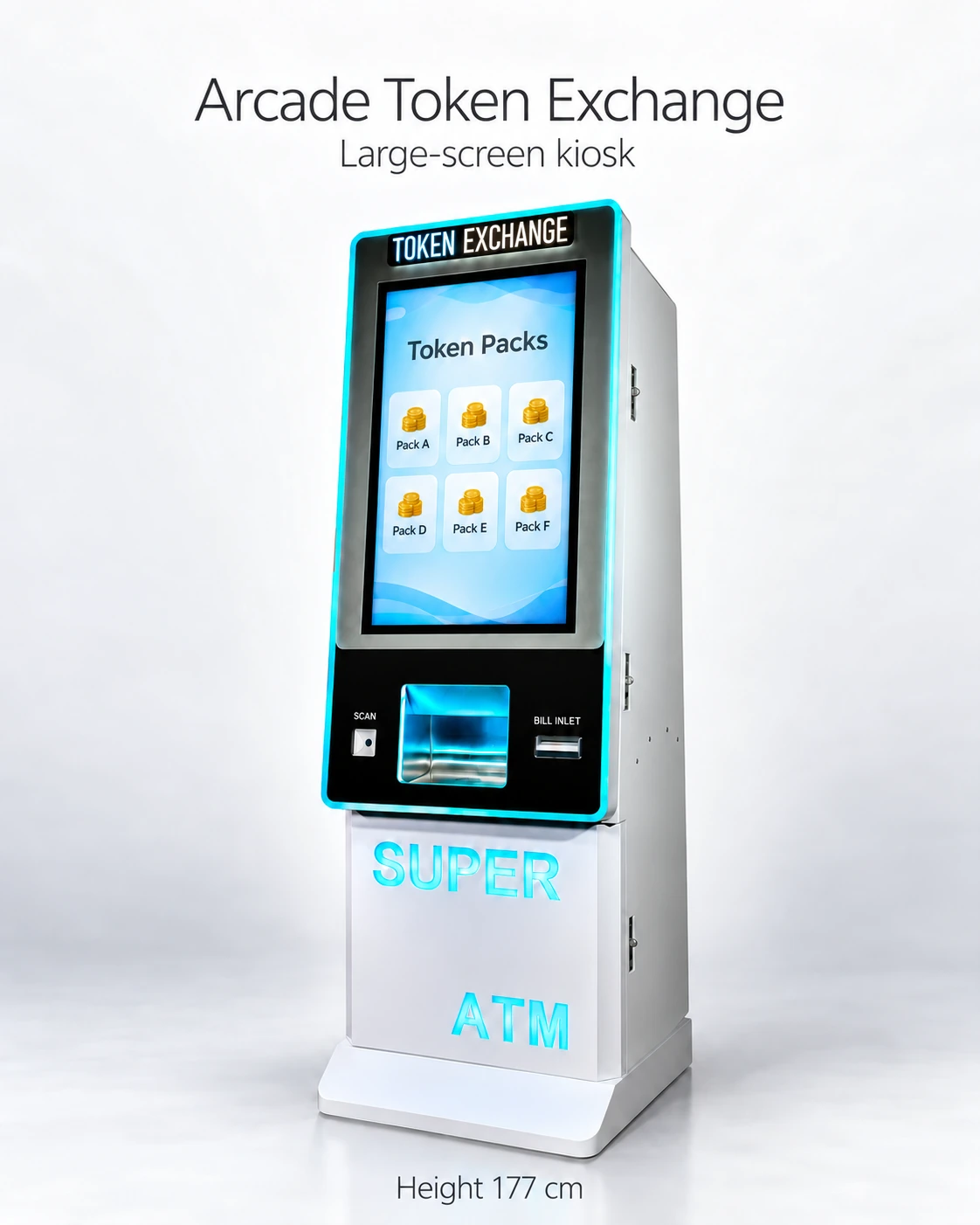
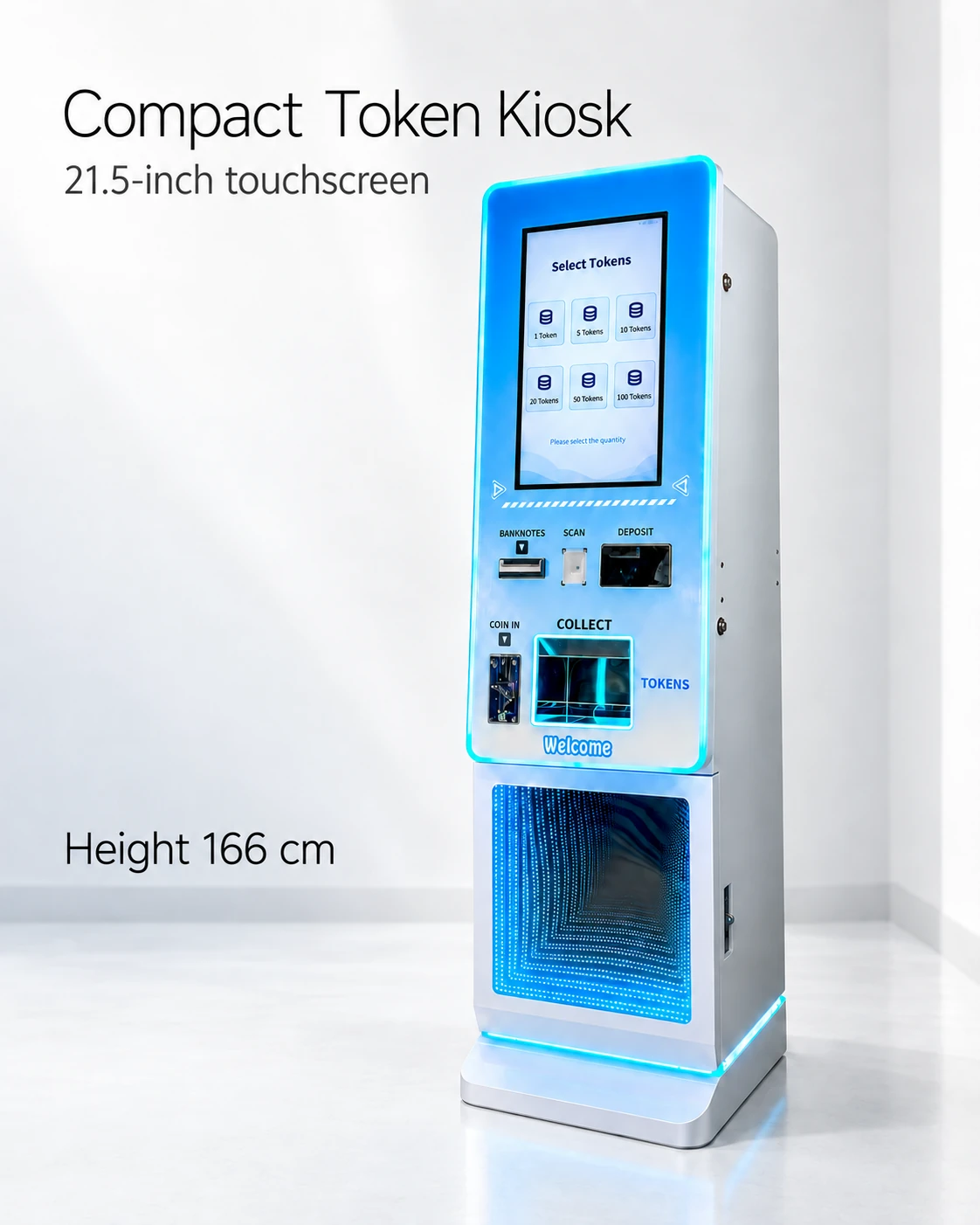
Token equipment
Token Dispenser Screen Language: Packages, Payment and Error Messages
Scope every customer screen and payment-device message in the required language, including exception and support states.
Localize the transaction, not only the welcome screen
Scope token dispenser screen language across the full purchase: package quantity and price, payment, pending/declined state, dispensing, collection and help. Each message needs an owner because some text may belong to the payment device.
Available languages, editable fields and destination payment messages are unconfirmed for the reference kiosks. Use a screen list to agree the customization scope, version and cost.
Create a screen-copy approval sheet
Assign each screen/message a stable ID, trigger and text owner. Review the translation alongside the state that displays it.
View the final copy in the actual layout to catch wrapping, truncated prices and buttons that no longer fit. Retain the approved screenshots with the text sheet.
- Screen ID, trigger and customer task at that stage.
- Package name, price, currency and token quantity displayed together.
- Action label and expected next state after selection.
- Payment prompt, pending/declined/cancelled wording and text owner.
- Dispensing progress, collection instruction and confirmed completion wording.
- Partial output, unavailable service and support contact messages.
- Language reviewer, approved version and implementation status.
Use factual package and payment wording
Present a token purchase with its quantity, currency and price together before payment. Use wording that describes that task; ATM lettering on a reference image does not indicate bank services or cash withdrawal.
For a hypothetical copy exercise, compare Buy 20 tokens with Exchange 20. Let first-time readers describe the payment and output they expect, then revise the wording that causes confusion.
Check the interface in its real state
Review each proposed language at the supplied screen size, orientation and resolution. Include the support path from an incomplete dispense, rather than only the welcome and successful-purchase screens.
Identify separately controlled payment-device text and unavailable fields. The scope sheet can then show whether a provider change, kiosk message or nearby support sign is needed.
Include a terminology glossary for staff
Use the same names for package, pending payment, dispensing, collection and unresolved output on screens and staff instructions. Keep provider-controlled terms with their supplied definitions.
A screen ID lets staff find the relevant support entry even when they do not speak the customer’s selected interface language.
Approve behavior and copy together
Approve the package settings, screen revision, language review and transaction states together. Revisit affected copy after a price, method or exception-workflow change.
Send the screen list, languages, currency and support details with the enquiry. Mark editable, provider-controlled, development-required and unsupported items, with the quoted cost and schedule for the agreed work.
CHECK THE REFERENCES
Sources
- 32-Inch Touchscreen Token Exchange Kiosk reference configuration
Supplier reference specifications and supplied model images.
- 21.5-Inch Compact Token Vending Kiosk reference configuration
Supplier reference specifications and supplied model images.
PUT THE GUIDE TO WORK
Scope the complete language interface
Send required languages, package/currency wording and support details. Ask which screen and device texts are editable, provider-controlled or require development.
Build my equipment brief