Marble & skill games
Marble Arcade Game Demonstration: Payment, Play, Outcome and Reset
Use six session stages to request an uninterrupted marble game demonstration tied to the quoted version and consumables.
Ask for a session, not a successful moment
A useful marble arcade game demonstration shows a complete paid session and the next ready state in one continuous recording. Payment, start, player action, outcome and reset reveal both the customer task and the work needed before another play.
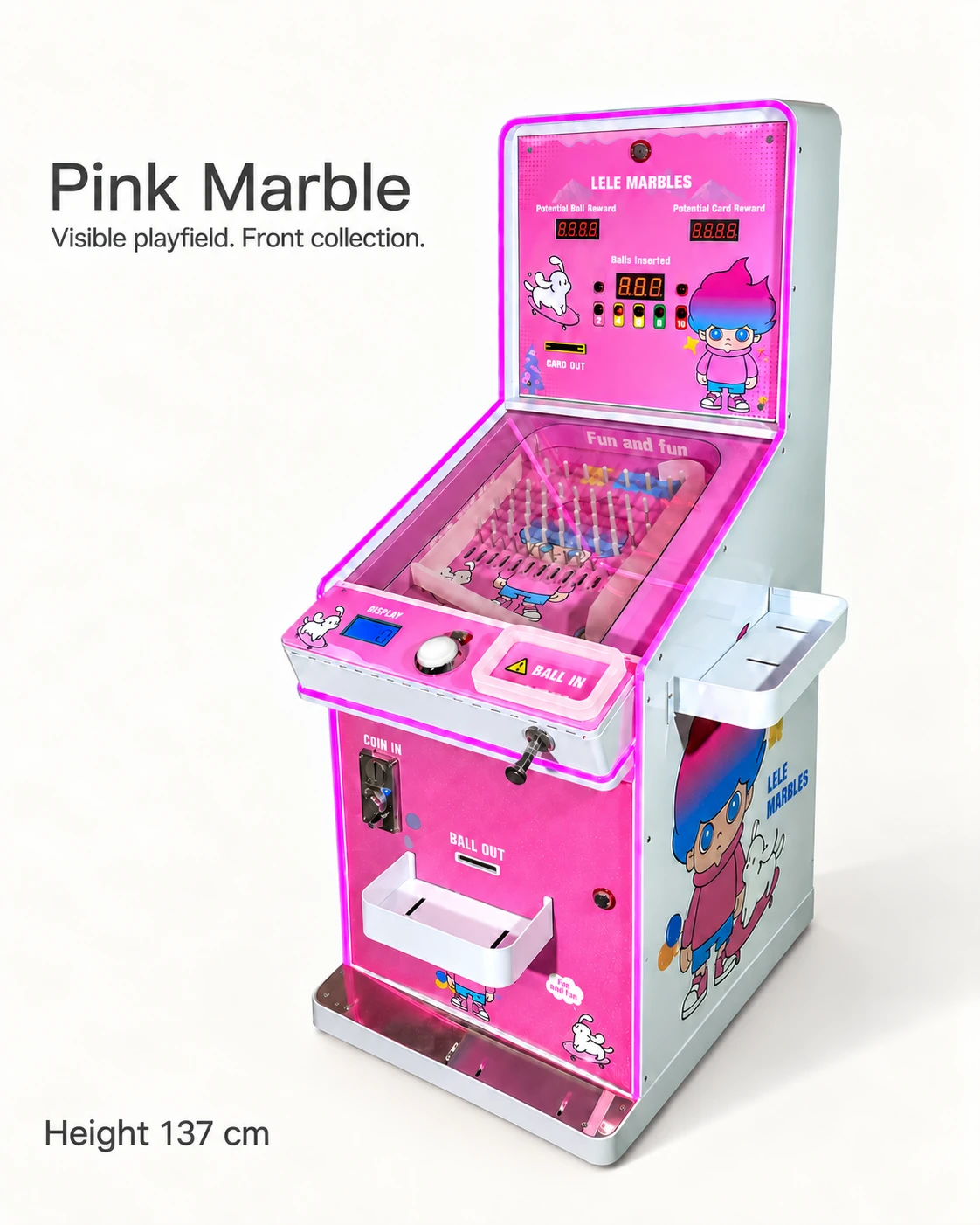
The supplied Pink and Blue Marble images show pin playfields, controls, counters and ball inlet or outlet labels. Their operating sequence remains to be demonstrated. The six-stage card below gives the supplier a precise filming brief.
Write a six-stage demonstration request
Identify the model, controller or software version, ball specification and credit settings in the recording. Keep the control and visible outcome in the same view; use labeled close-ups for details.
For each stage, note a time marker, the expected step, the observed action and any unanswered question. This makes the video easy to discuss without replaying the whole clip for every issue.
- Ready: show the starting counter, available credit and ball position.
- Payment: insert or authorize the agreed sample and show credited value.
- Start: use the documented control and show what becomes available.
- Play: record the ball path and the player action in the same view.
- Outcome: show score, replay or reward, including any physical output.
- Reset: show returned resources, remaining credit and readiness for another session.
Include more than the preferred outcome
Include a normal completed session, a no-reward outcome if the rules contain one, and a second session immediately after reset. Where rules are adjustable, record the setting used. Any exception demonstration should follow the supplier’s supported method.
In a hypothetical review, the first session ends but the next player waits while staff return a ball. The useful follow-up is whether that return is a normal staff task or a change needed for the quoted setup. It directly affects the venue’s service plan.
Request supporting documents for hidden steps
Keep the operating instructions, settings list and fault/status guide beside the video. They explain hidden controller steps and give staff the names needed to report a problem.
Place each supplier answer beside its relevant stage. If retained credit after a power interruption matters to the venue, put the documented behavior and agreed demonstration beside Payment and Reset.
Turn the review into an order attachment
Label each stage observed, explained but untested, or missing, with the recording date and filename. Keep revisions separate when the ball, credit setting or software changes.
Attach that card to a quote naming the demonstrated model, included balls, manuals and payment components. Carry unresolved steps into the arrival test so the receiving team knows what remains to be shown.
CHECK THE REFERENCES
Sources
- Pink Marble Skill Game reference configuration
Supplier reference specifications and supplied model images.
- Blue Marble Skill Game reference configuration
Supplier reference specifications and supplied model images.
- ICE Ice Ball Pro manual and schematic support page
Manufacturer operating manual and schematic reference.
PUT THE GUIDE TO WORK
Request the six-stage marble game demonstration
Specify the payment sample, intended ball, session stages and quoted version. Ask for the complete recording and its matching rules and settings file.
Build my equipment brief