Printing & beauty kiosks
Phone Case Vending Machine Software: Fees, Remote Access and Continuity
Compare software permissions, recurring fees, catalogue changes, network loss and account handover alongside the phone case kiosk hardware.
Software control and ongoing fees
Compare phone case vending machine software by what the buyer can control, what requires the supplier and what stops if a remote service or paid plan ends. Put model-list changes, stock records, artwork, support access and ongoing fees in the quote alongside the cabinet.
Software access, updates and exports are separate commercial items. A useful comparison shows which tasks the operator can perform, which need supplier help and which carry a fee. That makes two similarly priced cabinets easier to compare over their operating life.
Who controls each software task
List the tasks the operator needs: update the supported model list, change prices, load approved designs, inspect stock and retrieve order evidence. For each task ask who can perform it, what account is needed and whether a fee or supplier intervention applies. Request a demonstration using the permissions planned for the buyer.
The service record should identify hosting, account ownership and who controls access. Match these responsibilities to the intended operator and destination. Keeping them in the agreement also helps when staff change or the business transfers the kiosk.
- Task matrix: operator action; authorised role; local or remote dependency; demonstration status; commercial charge.
- Service record: software name; version; account owner; licence scope; subscription term; support party; termination effects.
- Data questions: available export fields; format; access control; retention owner; migration route; customer-image handling.
Updates and stock mapping
Request an update policy identifying who schedules a change, how the operator is informed and how business interruption is handled. Ask which customer-journey tests need rerunning after updates. If a rollback or recovery method is claimed, obtain a demonstration or written scope for the quoted version.
Hypothetical example: an update changes the device-model catalogue while blanks remain loaded under the previous mapping. The change record should connect the software version, assortment map and accepted sample. A successful login after the update would not prove the correct case is still selected.
Remote support access
Remote assistance needs a clear beginning and end: who authorises access, what the technician can change and what record the operator receives. This makes support work traceable and helps the venue distinguish a routine adjustment from a configuration change.
Include network loss and service restoration in an agreed acceptance demonstration. Record which functions stop, what customers see and how queued or incomplete orders are reconciled. Do not assume that remote inventory monitoring is a guarantee of offline sales or accurate physical stock.
Compare exit and continuity scenarios
Review three continuity scenarios: a new operator takes over, the paid plan ends, or the original account holder leaves. For each, list the records, artwork and configuration files needed, the available export method and any supplier-only task or fee. These answers show how the service can be maintained or transferred.
Close the dependency questions in the quote
The purchase brief should name the destination, intended payment service, language, operating hours and staff roles. Ask for the equipment and software offers separately where their terms differ. Ensure account handover and documentation are defined before accepting a cabinet that depends on an account controlled by someone else.
The responsibility matrix becomes a practical selection tool. One proposal may offer convenient supplier support; another may give the operator more direct control. Compare those arrangements against your staff capability and ongoing fees, then include the chosen account handover in the order.
CHECK THE REFERENCES
Sources
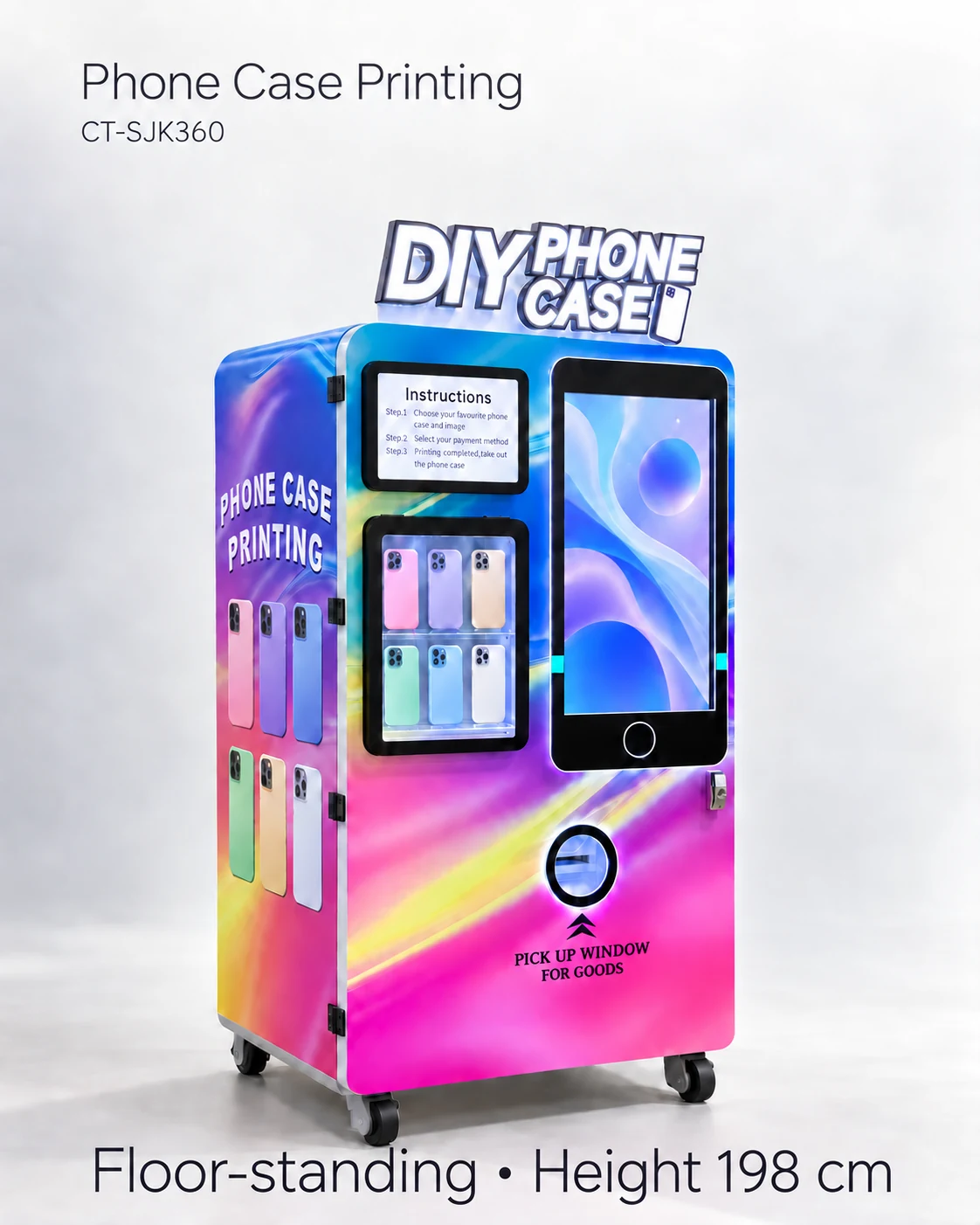
- Automatic Phone Case Printing Vending Machine reference configuration
Model reference and supplier-listed configuration.
PUT THE GUIDE TO WORK
Review software scope
Send the required remote functions, account roles and destination. Request software fees, hosting responsibilities, export options and continuity terms for the actual kiosk.
Build my equipment brief