Claw & prize machines
Claw Machine Branding: Write an Artwork and Access Brief
Plan claw machine branding using approved artwork zones, visible prizes, controls, outlets and service access. Record the physical proof and revision.
Mark printable and protected zones before designing
Claw machine branding starts with an order-specific artwork map: printable solid panels, protected prize views, controls, retrieval doors, labels, vents and service seams. Agree the cabinet revision and print method before sizing a wrap or logo. Treat a larger sign, reader or lighting change as a separate physical configuration item with its own dimensions and approval.
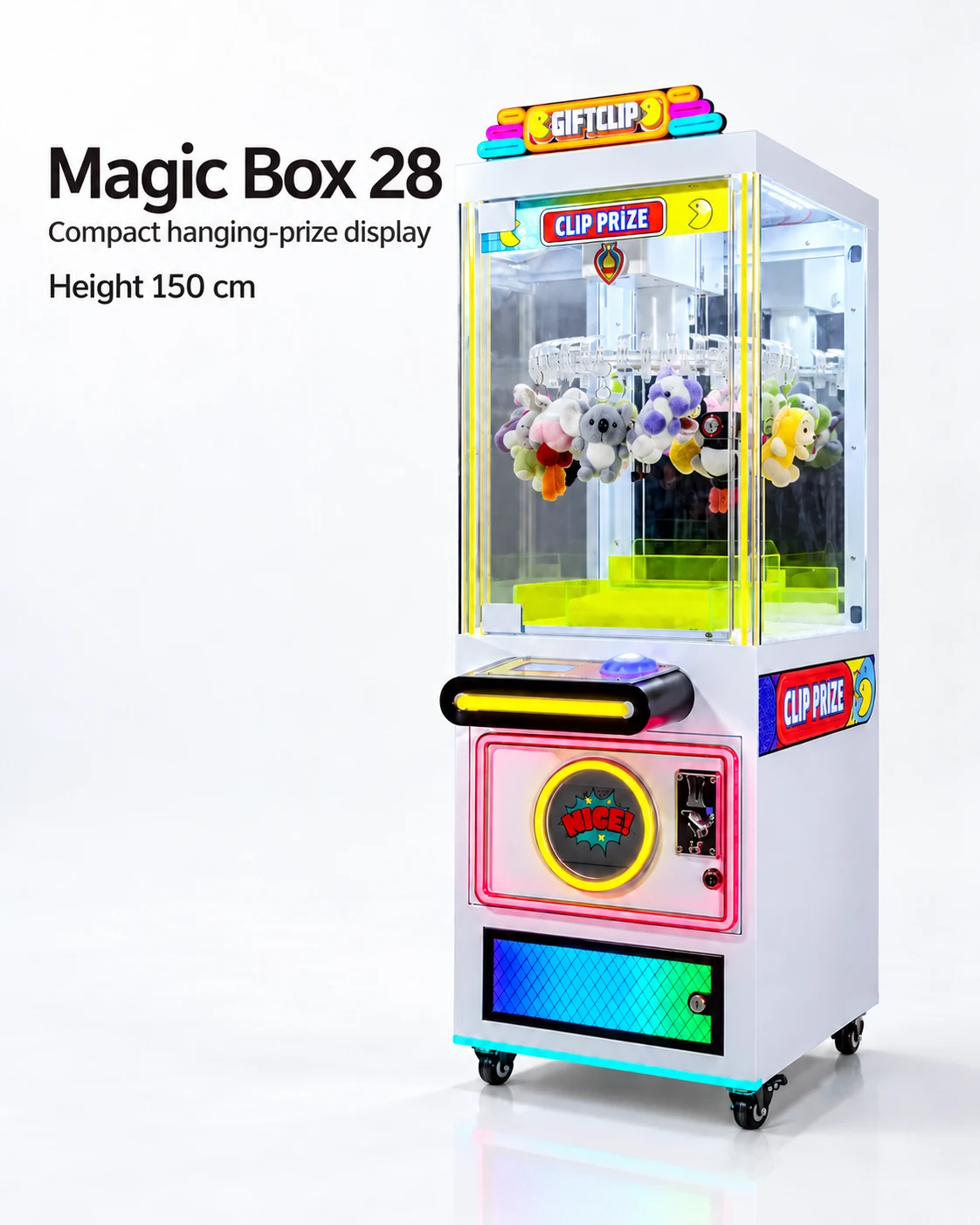
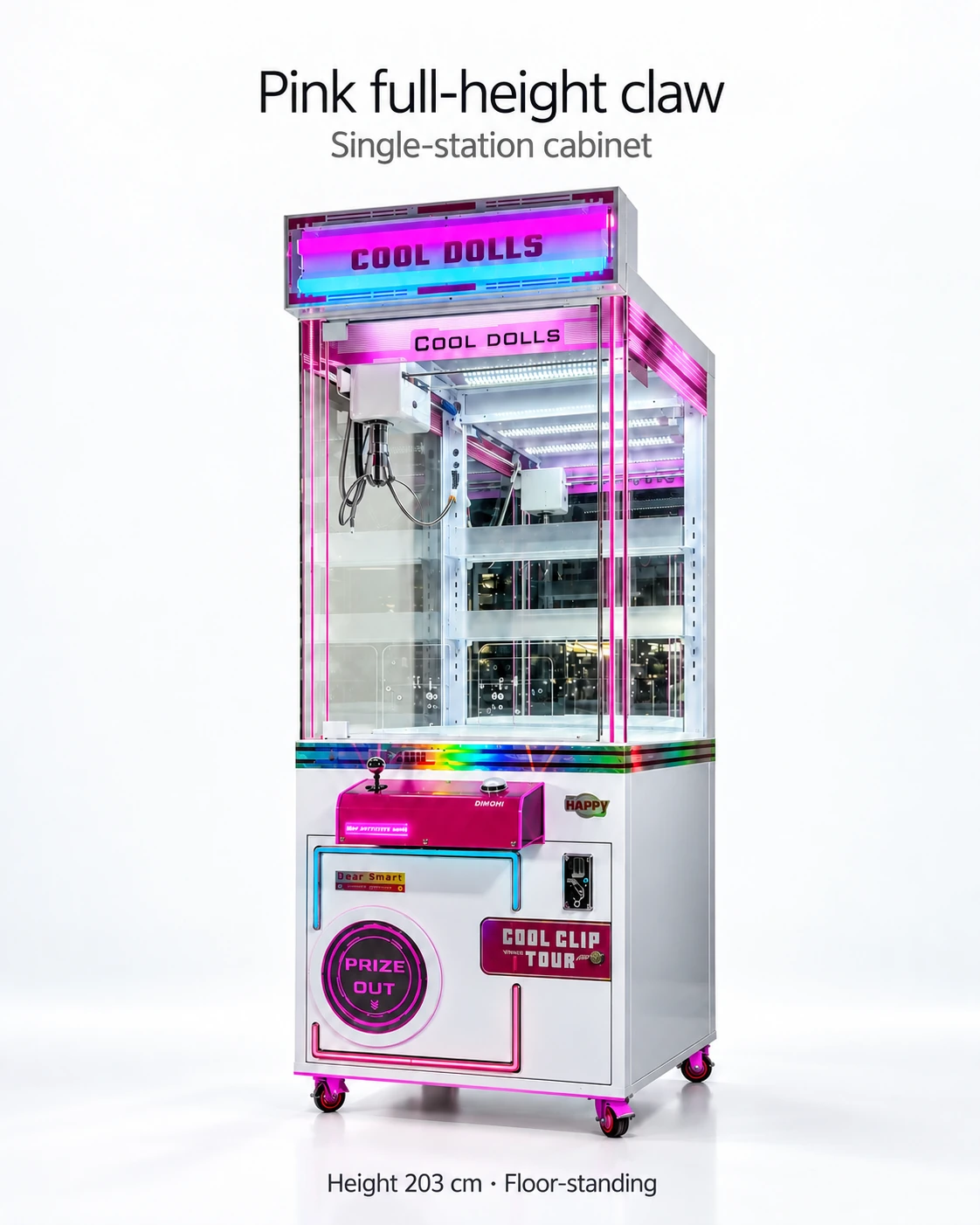
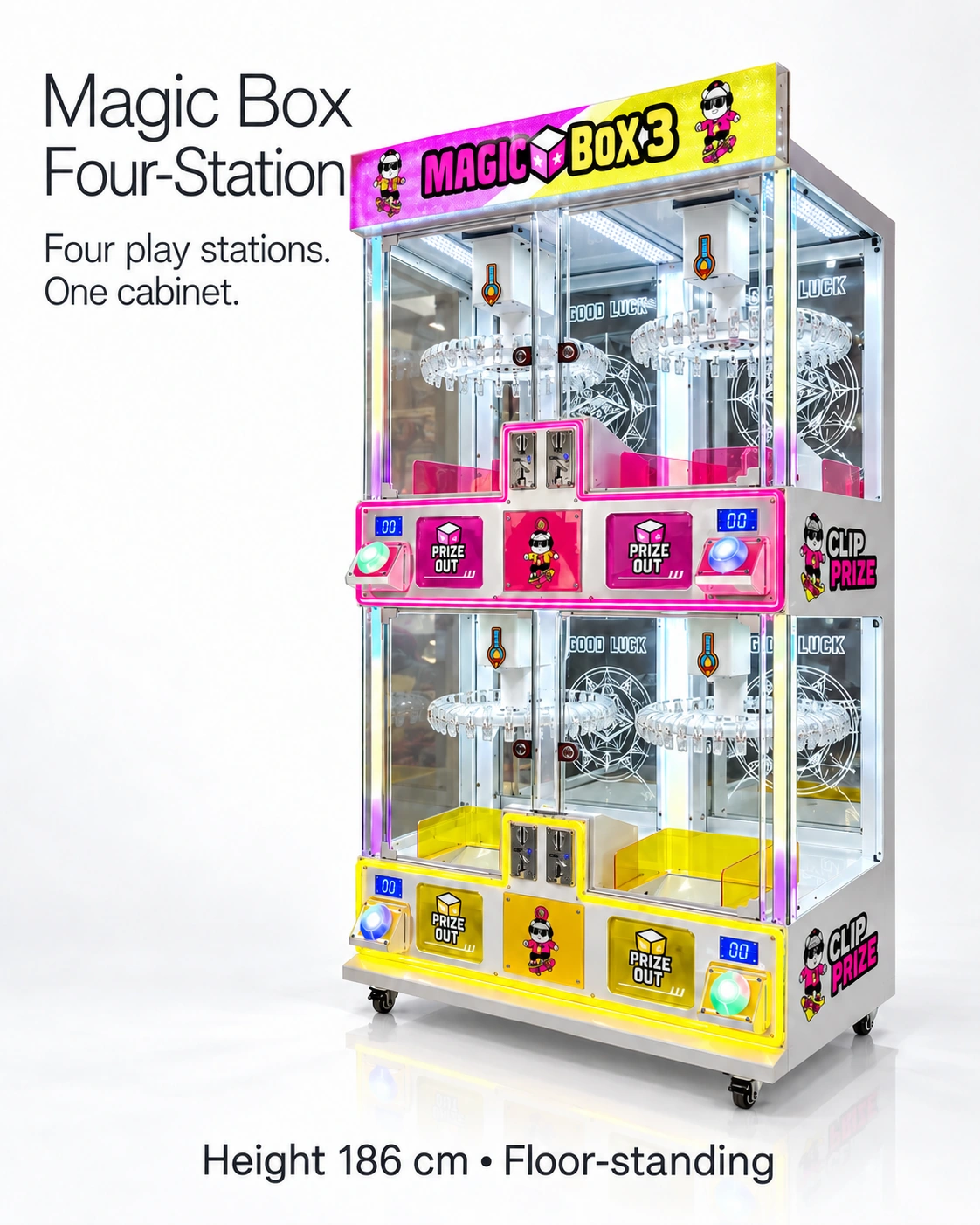
The Compact Single Claw, Pink Full-Height Claw and Magic Box Four-Station Clip have different control, prize and access layouts. Price colour, wraps, signs and lighting as separate customization items. The supplier's surface map and production template define where the chosen artwork can go.
Arcade Supply Hub supports brand and function customization, typically for projects of around 10–20 machines, with access to existing tooling for these machine types. Provide the quantity for each cabinet model and the required changes so the quotation can confirm scope, customization cost and production schedule. Keep those changes tied to the prize view, player controls and staff-access map rather than approving the graphic design in isolation.
Write an artwork-zone and access brief
Mark each change on the selected cabinet revision and track requested, feasible, approved or unresolved status. Use the supplier's materials, dimensions and file requirements in the design brief. Keep a concept drawing and the production proof as separate revisions.
- Brand assets: approved logo, colours, fonts, artwork rights and person responsible for final approval.
- Proposed zones: front panels, sides, top sign or other areas identified by the supplier.
- Protected zones: transparent prize view, controls, outlets, required labels, ventilation and service access.
- Customer information: price, play sequence, station labels and relevant support instructions.
- Production details: surface treatment, artwork dimensions, file requirements and physical proof method.
- Change control: artwork revision, approval date, quantity, cost and schedule effect.
Review the customer view at normal distance
Review the design from the intended player position rather than only as a close-up on a monitor. Can the customer see the prizes and identify the start control? Can someone approaching a four-station cabinet tell which control belongs to which chamber? Examine the proposal under the venue’s likely lighting and from different angles, including reflected light on transparent areas.
Use the venue layout and actual cabinet drawing or photograph for the review. Reader graphics, certification symbols and third-party logos should match the accepted configuration and authorised assets. This keeps the customer information accurate as well as legible.
Preserve staff access and safety information
Put door joints, fasteners, vents and required labels on the protected-zone map. Compare the wrap edges with those openings so servicing stays practical. Include the destination's customer-information requirements in the text review before the proof is approved.
Artwork should not suggest affiliation, licensing or certification that the buyer cannot substantiate. A branded cabinet can use original or authorised assets; it should not copy another manufacturer’s character graphics or imply a delivered brand partnership. Document permissions separately from the supplier’s printing capability.
Approve a specific revision with a clear quotation
Compare the exact-model proof with the zone map: colours, wording, dimensions and protected areas. Price design, material, proof and packing items explicitly. Record the approval deadline and how a later artwork change affects the quoted production schedule.
Send authorised assets, the cabinet choice and marked zone map with the customization brief. The finished order record should contain one approved artwork revision, its production details and the player and service areas it preserves.
Approve function changes against the prize and access layout
Write the intended customer action and machine response for each requested function change. If the proposal affects a control, reader, prize chamber or pickup route, mark the affected area on the same cabinet drawing used for artwork approval. This makes the function brief actionable without assuming that an attractive rendering establishes the final mechanism or dimensions.
Review the changed configuration through the agreed play, reward and collection sequence, including any affected messages and staff access. Retain the demonstration result, drawing and applicable hardware or software revision with the accepted artwork. Ask the quotation to identify design and development work, changed components, proof or sample preparation, validation, production setup, unit costs and packing effects. Resolve the cost and timing of changes before approving production.
Swipe across to compare all columns.
| Affected area, if changed | What the brief must preserve | Evidence to agree |
|---|---|---|
| Player control or reader | Legible instructions and a clear operating position | Updated location drawing and demonstrated customer action |
| Prize chamber or presentation | The intended prize view and access for replenishment | Approved prize sample, visibility check and refill demonstration |
| Reward or collection sequence | Consistent messages and an identifiable pickup point | Recorded sequence on the accepted configuration |
| Service access or component position | Doors, fasteners, ventilation and required labels | Updated protected-zone map and service-access check |
The table organizes requested changes. It does not promise every listed change on every cabinet or treat an artwork proof as a functional test.
Cabinet branding and function customization FAQ
Can I change functions as well as the cabinet branding? Yes. Brand and function customization are available as a project scope. Send the desired machine behaviour with the artwork-zone brief; the supported changes and their cost will be confirmed for the selected cabinet before production.
Does the typical 10–20-machine range apply automatically to mixed cabinets? No automatic mixed-model rule is implied. Around 10–20 machines describes a typical customization project, not a fixed minimum for every product. List quantities by model so the proposed combination can be quoted accurately.
What if I need a smaller standard order? Request the standard-machine configuration with your model, quantity and destination. That quotation route remains available; you do not need to turn a standard purchase into a customization project.
CHECK THE REFERENCES
Sources
- Compact Single Claw Machine reference configuration
Supplier catalogue configuration reference.
- Pink Full-Height Claw Machine reference configuration
Supplier catalogue configuration reference.
- Magic Box Four-Station Clip Prize Machine reference configuration
Supplier catalogue configuration reference.
PUT THE GUIDE TO WORK
Request a cabinet branding and function quote
Send the cabinet model, quantity for each selected model, destination, authorised artwork, marked zones and required function changes. Request the production template, configuration-specific demonstration and itemised design, development, proof and validation scope. State any opening date or preference for a smaller standard-machine order.
Build my equipment brief