Token equipment
Token Changer Hopper Capacity: Calculate the Refill Window
Calculate a refill window from usable hopper stock, reserve, hourly output and the time staff need to respond.
Use token outflow rather than screen size
Calculate a token changer’s refill window as (usable hopper stock minus refill reserve) divided by tokens dispensed per hour. This connects working capacity to the service schedule rather than to the screen size.
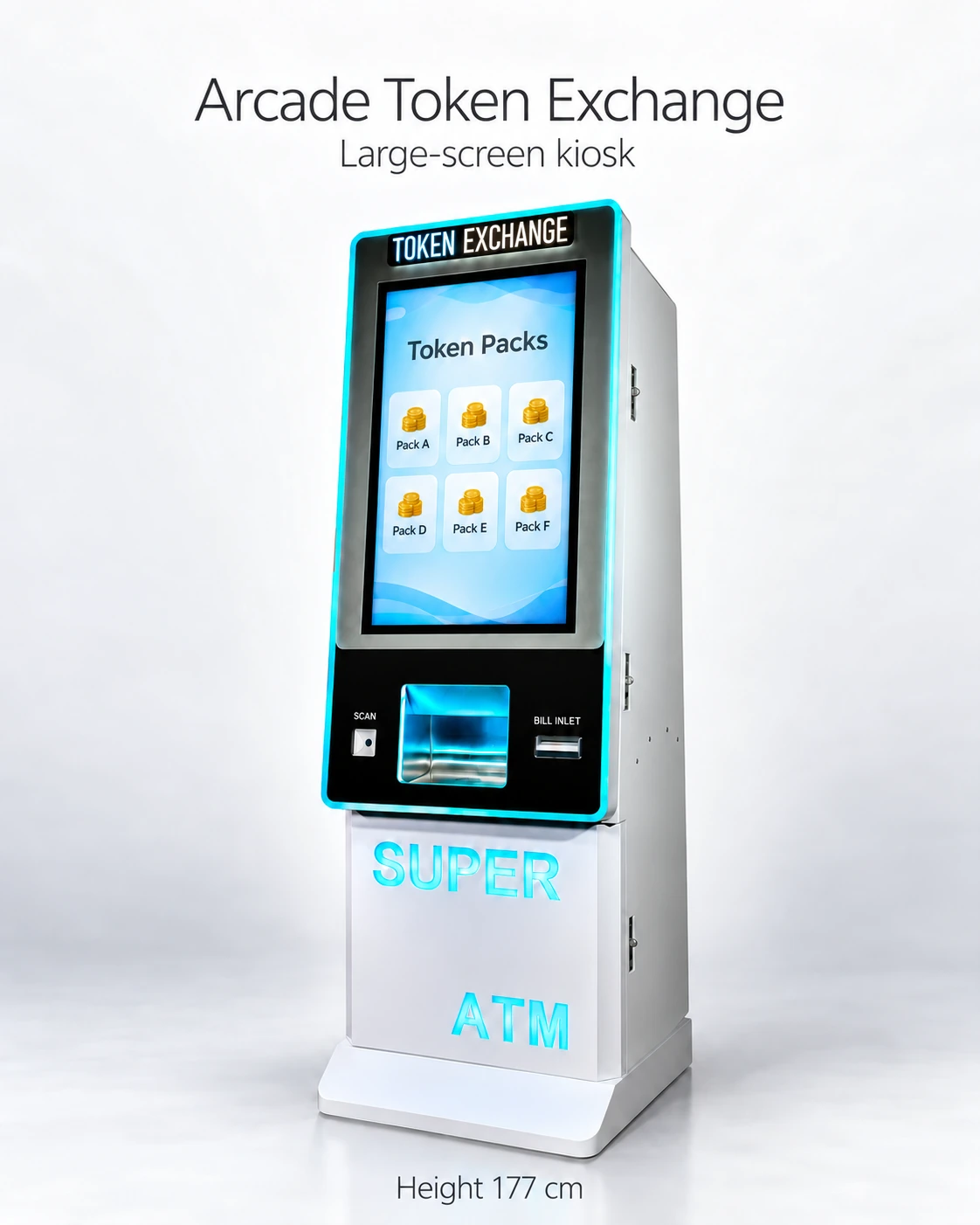
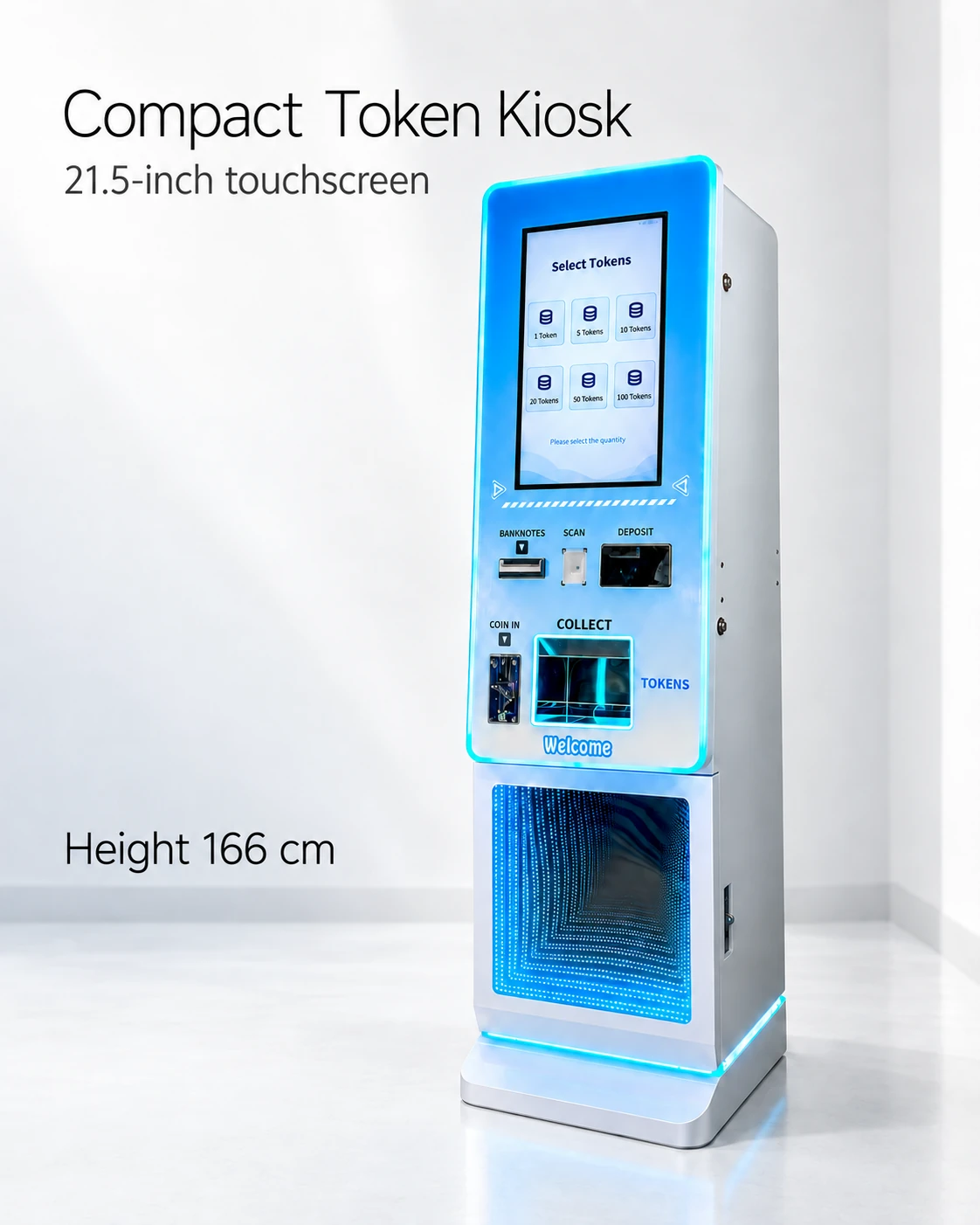
The supplier-listed reference capacities are approximately 30,000 tokens for the 32-inch kiosk and 10,000 for the 21.5-inch kiosk. Token dimensions and usable level remain to be demonstrated before those figures become worksheet inputs.
Fill in the refill worksheet
Let U be usable stock with the actual token, R the chosen refill reserve and D tokens dispensed per hour for the planning period. The time to the trigger is (U − R) ÷ D. Label each value measured or assumed and keep the units consistent.
Include staff response and loading time. A threshold suited to an attendant beside the kiosk may need to change for a route-serviced location.
- Token sample and cabinet configuration used to confirm usable stock U.
- Opening stock and count method, with stock additions documented.
- Observation start/end and tokens dispensed during the period.
- Hourly outflow D, labeled average, peak observed or assumed scenario.
- Reserve R and the reason for choosing it.
- Staff response delay and replenishment time.
- Recheck date and conditions that trigger a new calculation.
Work through an explicitly assumed example
For a hypothetical example, assume U = 8,000 tokens, R = 2,000 and D = 1,500 tokens per hour. The trigger window is (8,000 − 2,000) ÷ 1,500 = 4 hours.
With an assumed outflow of 2,000 tokens per hour, the window becomes 3 hours. A 30-minute response at that rate consumes about 1,000 more tokens. Compare that consumption with the reserve and decide the venue’s response policy.
Avoid false precision from a short observation
Record the observation period, venue conditions and price package. A quiet weekday average, measured busy-period outflow and future planning scenario should occupy separate rows.
Specify how staff know the reserve has been reached: a demonstrated stock report/alert or a documented manual check. The reference sheets do not establish low-stock reporting or its connection requirements.
Include usable stock without double counting storage
Keep working stock and service-store tokens in separate fields. Stored tokens extend the operating window only after a refill.
Model the longest planned service gap with the relevant outflow scenario, then put the trigger check and response owner on the staffing schedule.
Turn the calculation into a staffing decision
If the calculated window is shorter than the service gap, compare more frequent visits, another confirmed working capacity or a changed deployment plan. Include the handling task and inventory held in that choice.
Send the token specification, outflow record and target interval with the capacity enquiry. After arrival, update the worksheet with actual usable-stock and dispense counts.
CHECK THE REFERENCES
Sources
- 32-Inch Touchscreen Token Exchange Kiosk reference configuration
Supplier reference specifications and supplied model images.
- 21.5-Inch Compact Token Vending Kiosk reference configuration
Supplier reference specifications and supplied model images.
PUT THE GUIDE TO WORK
Request usable capacity for your refill plan
Provide the token sample, observed hourly output and target service gap. Ask for demonstrated usable stock and the actual low-stock reporting behavior.
Build my equipment brief