Token equipment
Arcade Token Compatibility: Kiosks, Acceptors and Game Credits
Qualify the same token through each actual dispenser and game acceptor, separating fit, validation and credited value.
Qualify one token across the actual game list
Arcade token compatibility has three checks on each machine: physical travel, validation and the resulting game credit. Use one sample specification across the game list, then record each result separately.
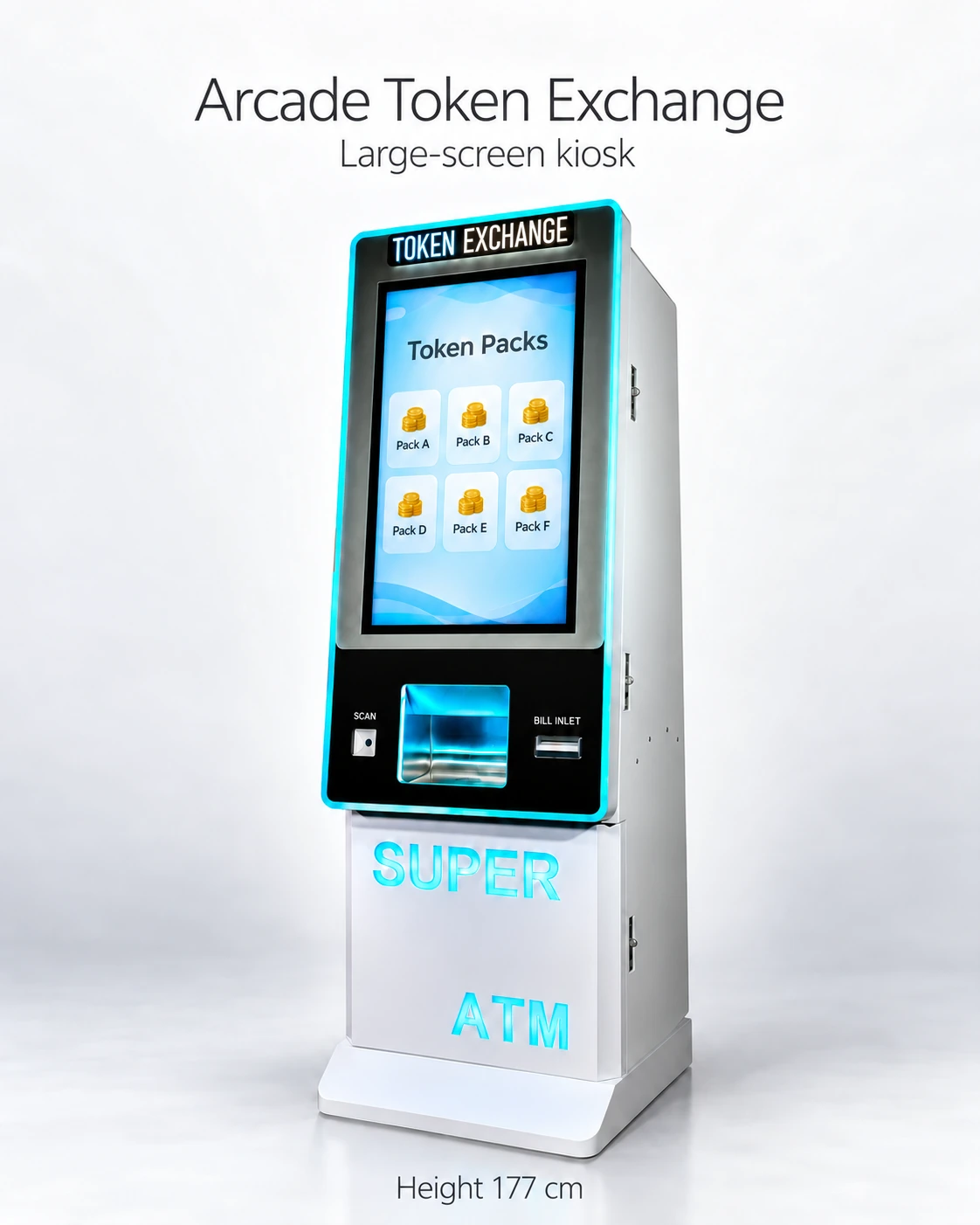
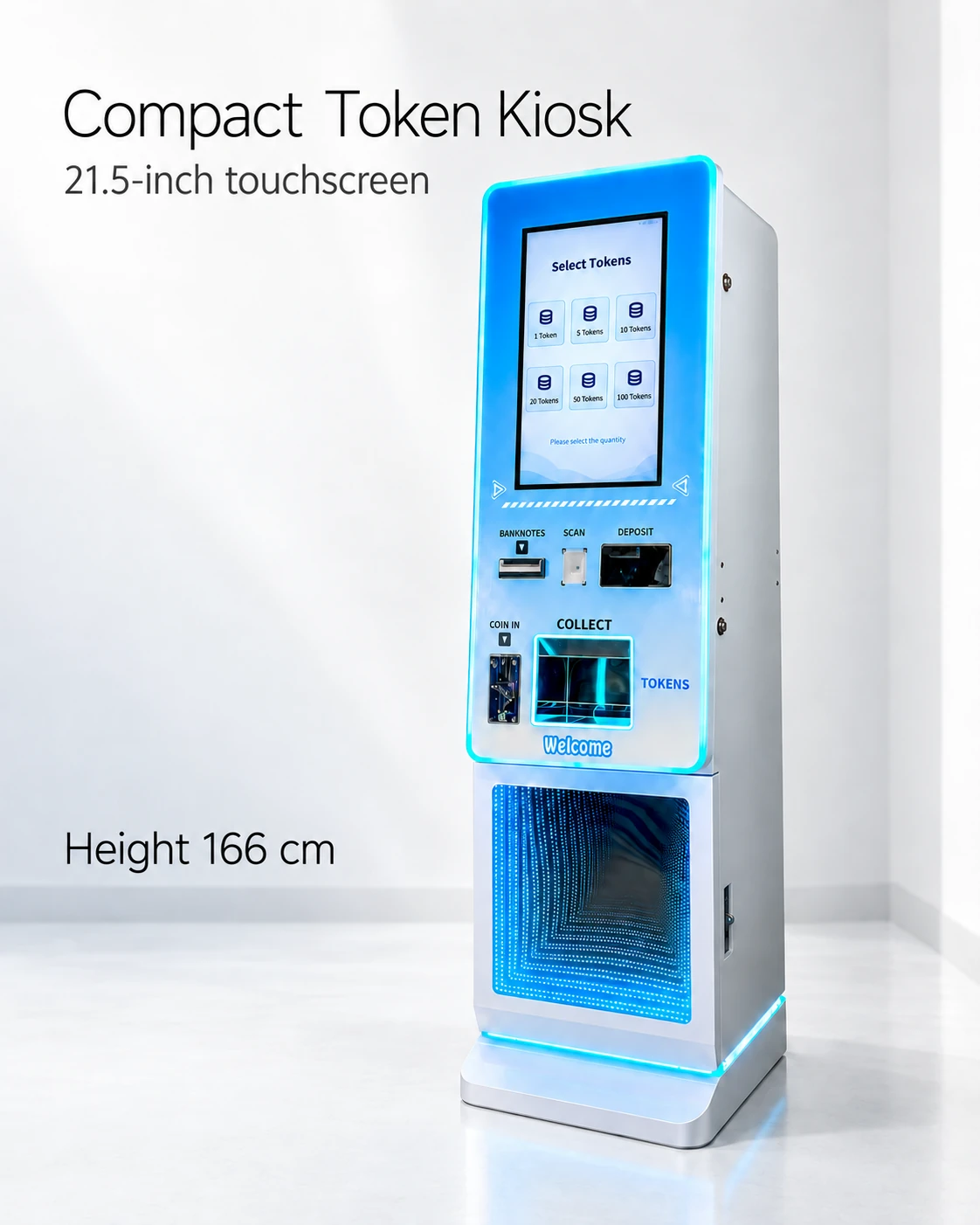
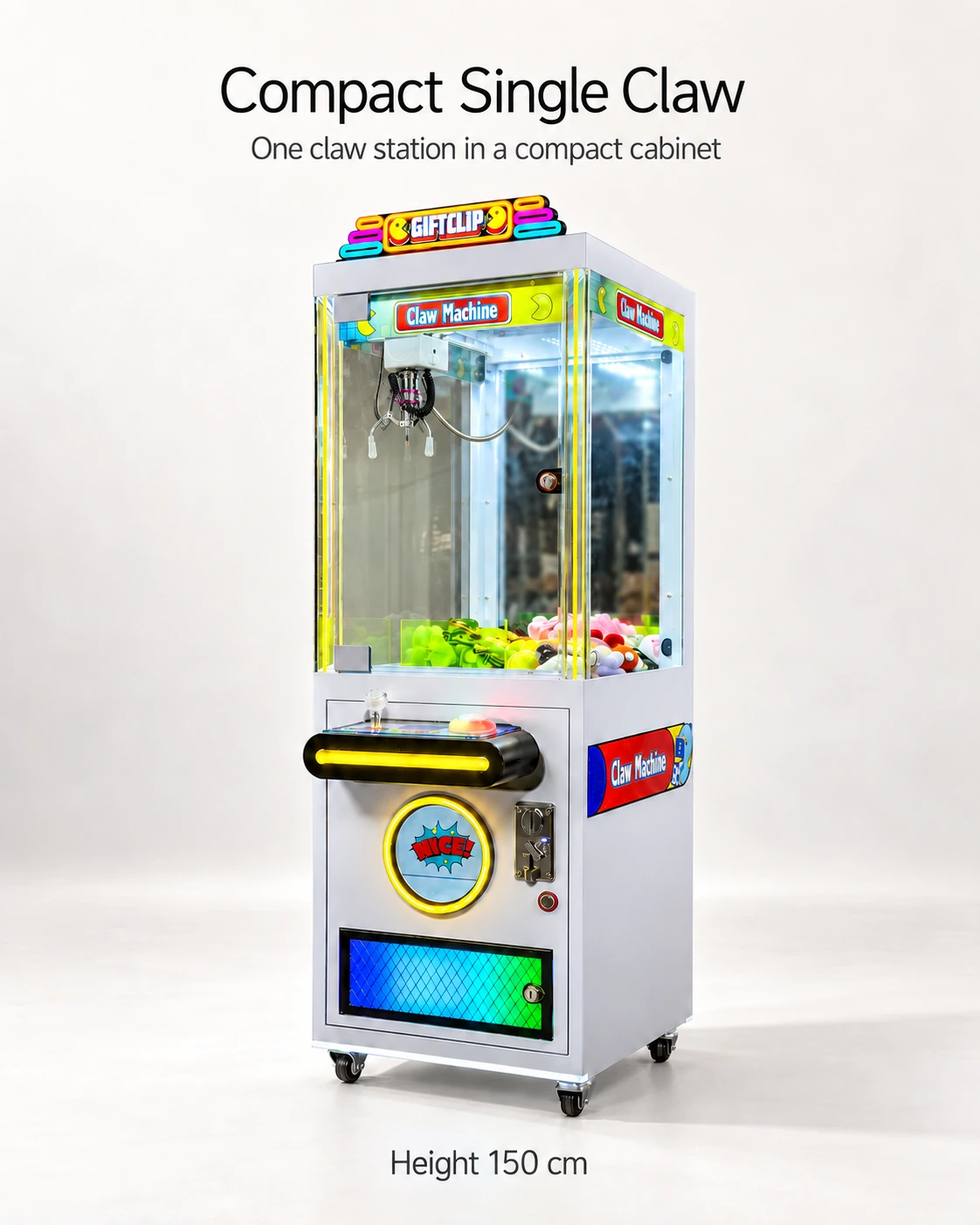
The reference shortlist includes token kiosks, Compact Single Claw and Pink Marble. Installed hopper/acceptor identities and credit settings remain to be confirmed for the ordered configurations.
Keep the sample specification separate from system approval
Give each supplier the same diameter, thickness, material, finish and labeled sample. The token-size guide defines the physical item; this matrix follows it through the configured machines.
Include only games using the token path. Record free play, another payment method or a separate prize section outside those rows so the matrix reflects the venue’s actual operating plan.
Use one matrix row per component and credit configuration
Use separate rows when the acceptor, controller or credit setting differs, even if the cabinet model name is the same. Identify the component and tested setting before recording the result.
- Cabinet ID and model; hopper or acceptor manufacturer, model and revision.
- Token sample/lot and the controller or software setting being tested.
- Physical result: inserted or dispensed, collection path and any interruption.
- Validation result: accepted or rejected with the actual status observed.
- Credit result: displayed credit and session start against the agreed requirement.
- Evidence file/date, test scope, unresolved issue and responsible supplier.
Use a mismatch to locate the unresolved row
In a hypothetical matrix, the kiosk dispenses the sample, the marble cabinet gives the agreed credit and the claw game gives a different amount. The claw row needs review while the other results remain attached to their own configurations.
Use the relevant component/controller instructions for the next check or permitted adjustment. A separate cashless path belongs in its own interface and provider review.
Control substitutions and new games after the order
At arrival, compare component labels and settings with the approved rows. A substituted acceptor, changed token finish or new game reopens the affected path.
Send the game list and sample sheet with the quote request. Keep each supplier’s covered combination and the receiving result in the matrix so later expansion has a usable starting record.
CHECK THE REFERENCES
Sources
- 32-Inch Touchscreen Token Exchange Kiosk reference configuration
Supplier reference specifications and supplied model images.
- 21.5-Inch Compact Token Vending Kiosk reference configuration
Supplier reference specifications and supplied model images.
- Compact Single Claw Machine reference configuration
Supplier reference specifications and supplied model images.
- Pink Marble Skill Game reference configuration
Supplier reference specifications and supplied model images.
- The Arcade Project official operating FAQ
Arcade operator play and payment FAQ.
PUT THE GUIDE TO WORK
Review one token across your actual arcade list
Attach the sample specification and a row per hopper/acceptor and credit setting. Ask each supplier to identify its confirmed combination and unresolved checks.
Build my equipment brief