Claw & prize machines
Claw Machine Settings: What a Buyer Controller Demo Should Show
Review claw machine settings through a controller demo of price, credits, movement, counters, configuration restoration and station mapping.
Show what the setting changes and restore the baseline
A claw machine settings demonstration should identify the controller, start from an agreed baseline, show the effect of each relevant change and finish with the baseline restored. Cover price-to-credit mapping, normal play, counters and recovery. This gives staff a reproducible configuration rather than only a video of a successful grab.
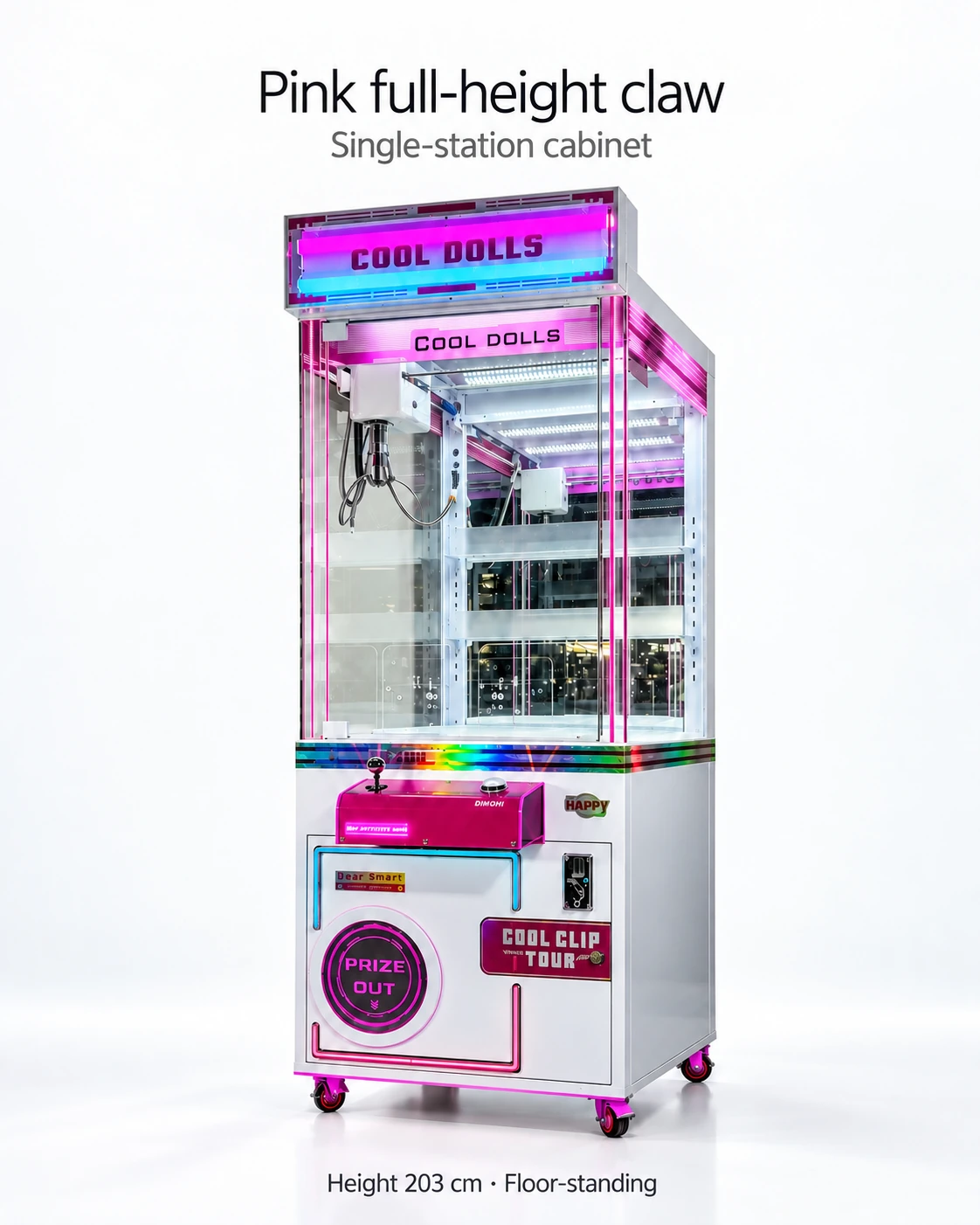
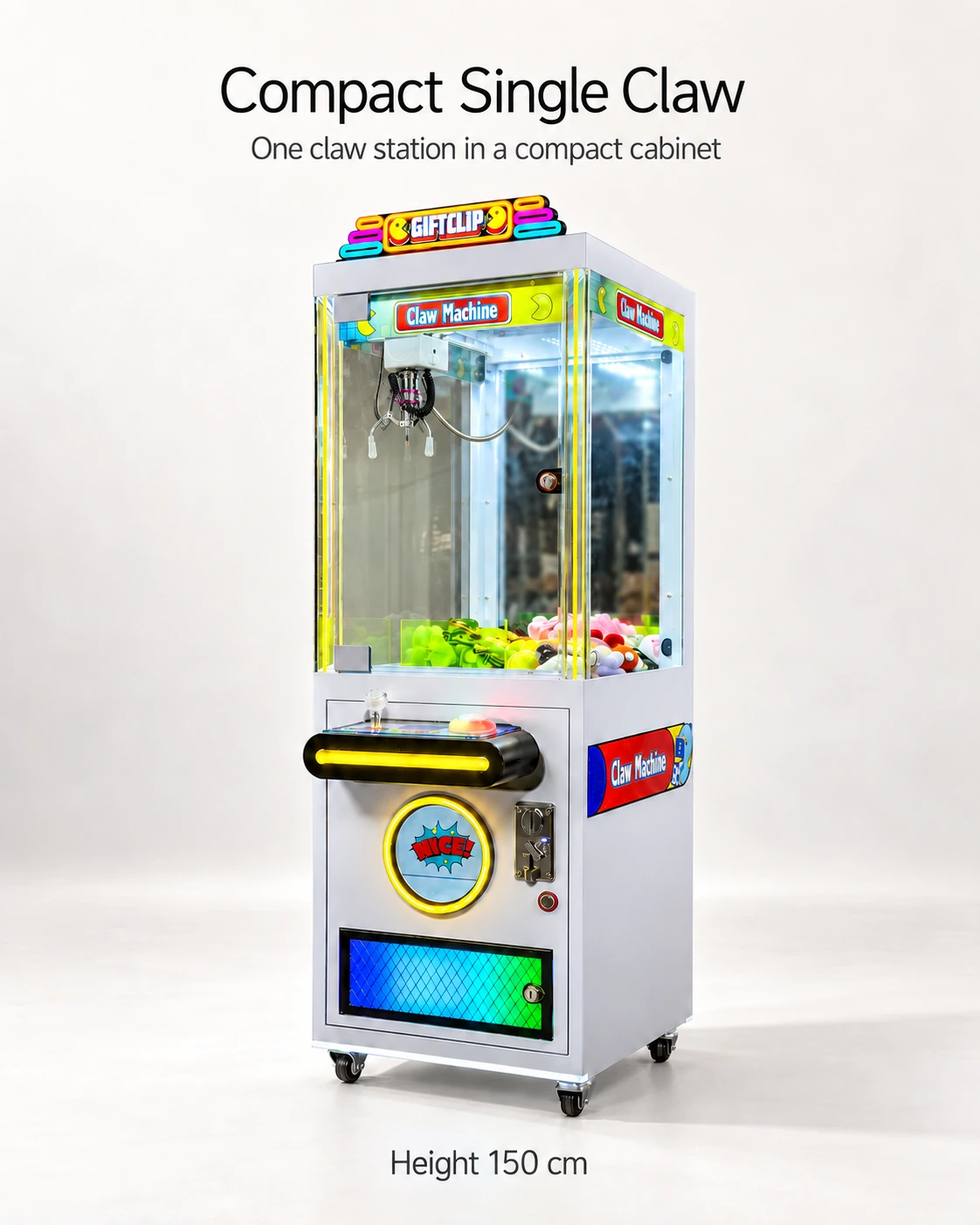
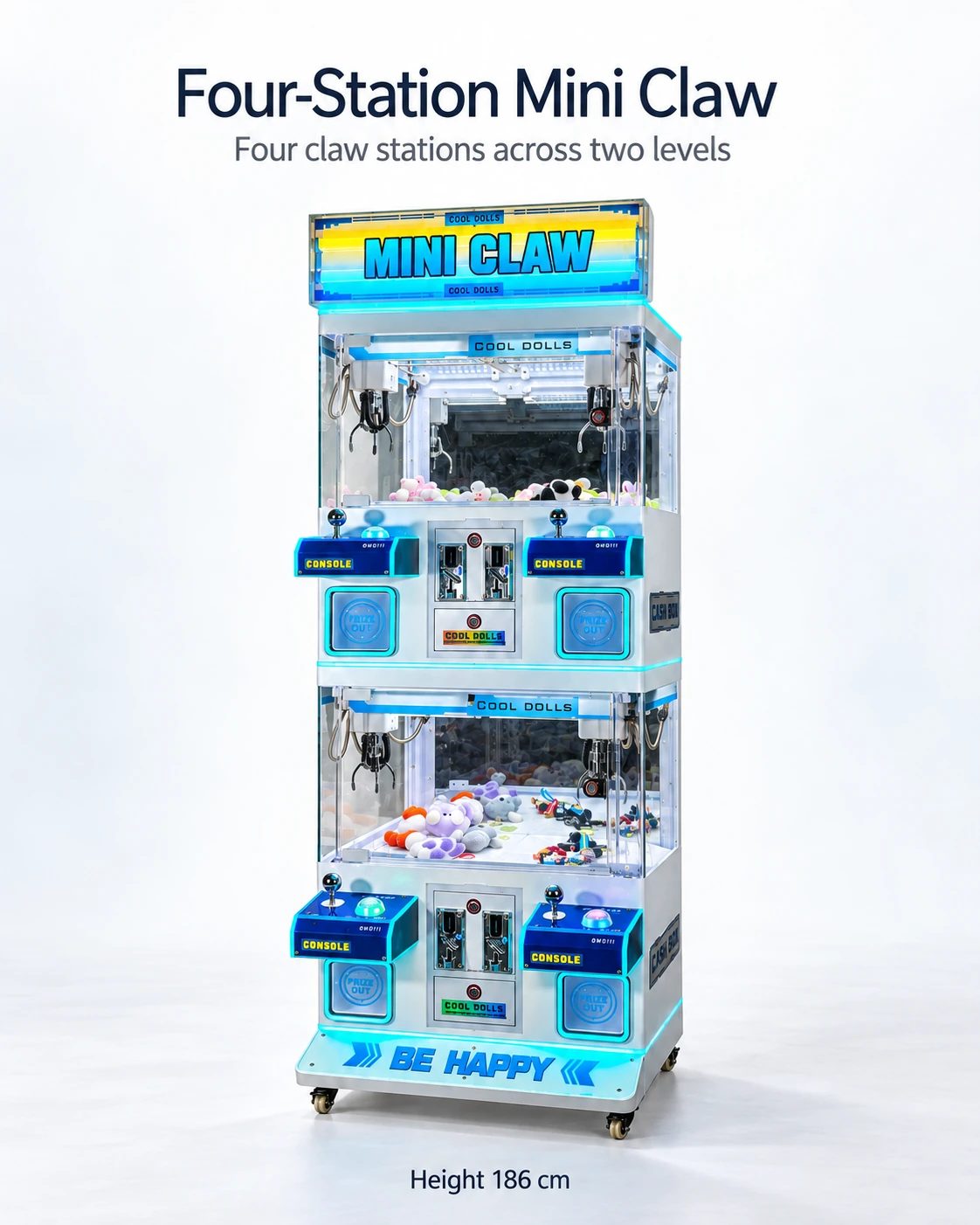
The Compact Single Claw, Pink Full-Height Claw and Blue Four-Station Mini Claw show joystick, play-button and coin-acceptor positions. Controller menus, counter definitions and configuration-transfer functions remain to be demonstrated for the quoted version. List the functions your venue needs on the acceptance card.
Use a controller functions acceptance card
Give each function one row with requested behaviour, observed behaviour, evidence reference and outcome. Accepted, revise and unresolved are more useful results than a subjective score. Where a function is optional or unavailable, record that explicitly and decide whether the buyer’s operating plan can accommodate it.
The Fun Zone manual separates setup, programming, fault codes and components. A useful handover for your selected model follows those tasks with its own function names, component identifiers and document references. Staff can then move from a setting on screen to the matching instructions.
- Identity: controller model, software revision, supported language and matching manual.
- Credit: approved coin or token adds the expected credit; displayed price and credit sequence are explained.
- Play: controls, timer, travel limits, return and ready state are shown under the normal procedure.
- Operator settings: authorised access, explanation of available settings and restoration of the agreed configuration.
- Counters: what each number measures, whether it is station-specific and how it is retained or reset.
- Recovery: documented response after an interrupted cycle or ordinary restart, without bypassing safeguards.
Demonstrate changes one at a time
Have the authorised demonstrator change one setting at a time, explain its permitted range and show the effect. Record any dependency on prize, claw or game mode. Restore the baseline and save the final values as the order configuration.
Agree customer-facing price, play instructions and game rules alongside the controller functions. Include the intended operating mode in the destination review, then keep staff adjustments within the approved configuration and their authorised access.
Map every station's controls and settings
For the blue four-station cabinet, label each station and map its controls, acceptor and counters. Demonstrate independent prices or settings where required and supported. Record shared functions explicitly so staff know whether one change affects a station or the whole cabinet.
ICE describes SD-card settings transfer for Grab N' Win. For a route or bulk purchase, include configuration recording and restoration in the brief for your selected controller. The actual method and supported file or access requirements still need to be agreed for that version.
Retain a configuration record for staff
Keep the operator manual, final settings and recovery steps in a language staff can use. Name who may change them and use a short change log. Store controller photos and revision information with the parts register, then attach the acceptance card to the order's payment and prize configuration.
CHECK THE REFERENCES
Sources
- Compact Single Claw Machine reference configuration
Supplier catalogue configuration reference.
- Pink Full-Height Claw Machine reference configuration
Supplier catalogue configuration reference.
- Blue Four-Station Mini Claw Machine reference configuration
Supplier catalogue configuration reference.
- ICE Grab N' Win product information
Manufacturer product information for Grab N' Win.
- Coast to Coast Fun Zone user manual, March 2020
Official Fun Zone manual covering setup, programming, troubleshooting and components; March 2020 revision.
PUT THE GUIDE TO WORK
Define the controller functions you need
List required pricing, credit, language and station functions for a model-matched controller demonstration, settings record and operator manual.
Build my equipment brief