Printing & beauty kiosks
Phone Case Printing Vending Machine: Test the Customer Design Flow
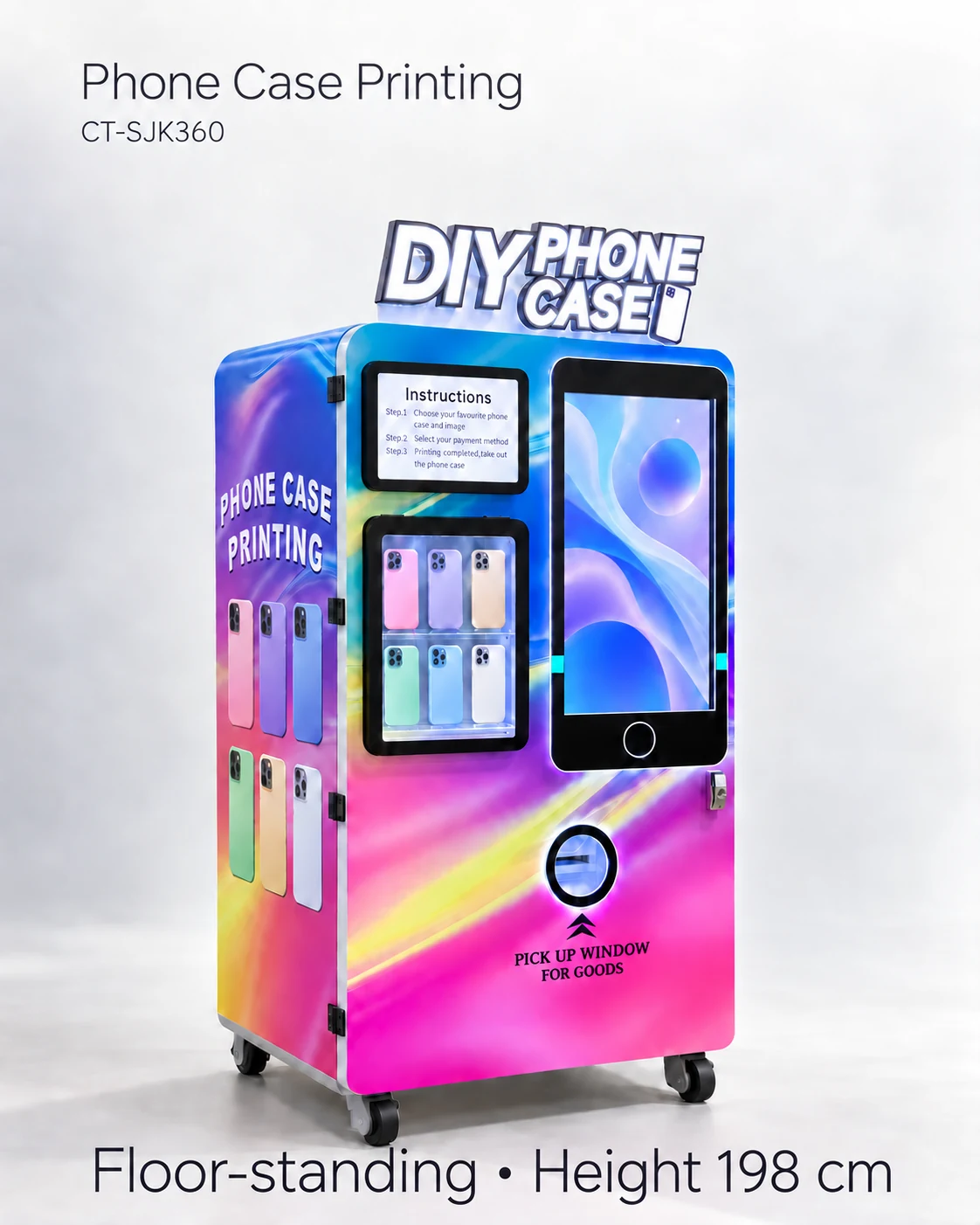
Test device selection, image upload, preview approval and collection on the quoted phone case printing kiosk, including unsuitable images and changes.
Test the journey from a customer choice to a collected case
Test a phone case printing vending machine by taking a customer from exact device selection through artwork upload, preview approval, payment and the correct collected case. The most useful checks are changes and exceptions: an unavailable model, a poor image, a changed device choice and an abandoned session.
The Case-Pro listing from AVS combines customer design selection with remote monitoring. For a buyer, that connects two different jobs: creating the customer’s order and managing stock behind the screen. Review both in the software journey for the kiosk you are considering.
Create realistic customer scripts
Write a short task script for a customer who has never seen the kiosk. Specify the device model and an image file, then observe whether the person can recognise the correct blank and understand the preview. Provide a second script with an unsuitable image and a third with an unavailable device model. Use test material that you own or are authorised to print.
A journey log captures prompts, errors and help requests as the person moves through the order. Record where assistance was useful and why. These observations can improve screen copy, identify training needs and show whether a particular case model or upload method makes the flow harder.
- Journey log: step; expected customer action; screen message; observed action; time; assistance; outcome.
- Preview checks: case orientation; camera-opening position; crop boundary; printable area; customer approval.
- Exception checks: unsupported model; unreadable file; cancelled preview; interrupted upload; return to a fresh session.
Check the transition into payment and printing
The approved artwork should remain attached to the correct case model and order reference. Ask when the device choice becomes fixed and how the customer returns to change it. Demonstrate the order state after cancellation. A clear preview does little good if payment triggers a different case mapping or an older image.
Hypothetical situation: a customer changes the selected phone after approving a photo crop. The new case may have a different camera opening or printable area. The test should therefore include the revised preview, the customer’s final approval and the blank actually collected.
Define artwork and data responsibilities
Ask where customer images are stored, who can access them, how long they remain and what happens when a session ends. Have the responsible destination adviser review the applicable notices, rights and data obligations. Technical features such as upload or remote access do not establish permission to retain or reuse customer artwork.
Use a new test session to check whether a previous customer image or order details remain visible. Ask how operator accounts are separated from customer screens and who controls the device-model catalogue. Include a versioned record of approved screen copy; a translated button alone does not make the entire journey understandable.
Customer journey test row
Record: task script; selected phone model; image file reference; preview revision; order reference; physical case collected; help needed; failure step; result. Keep successful output and unaided completion separate so a supplier-guided test does not hide staffing needs.
Approve a reproducible flow
Keep the scripts, screen observations and accepted printed samples together. Mark every step as accepted, requiring a change or awaiting a further demonstration. Agree how the supplier will show a corrected flow, and whether a later software update needs the same scripts to be rerun.
The quotation brief can now name the destination language, transfer methods, case list and exception handling that matter to the offer. Reuse the same scripts when comparing kiosks or reviewing a software update, so the comparison follows a real customer task.
CHECK THE REFERENCES
Sources
- Automatic Phone Case Printing Vending Machine reference configuration
Model reference and supplier-listed configuration.
- AVS Companies Case-Pro: a different phone-case vending configuration
Distributor description of Case-Pro stock, customer design and remote monitoring.
PUT THE GUIDE TO WORK
Review the customer design flow
Send the required phone models, languages, upload methods and artwork restrictions. Request a complete design-to-collection demonstration and the associated software terms.
Build my equipment brief