Printing & beauty kiosks
Phone Case Vending Machine Maintenance: Printhead, Ink and Support
Identify the installed printhead, ink and service responsibilities before buying a phone case vending machine; compare the actual parts and support scope.
What the maintenance plan needs
A phone case vending machine maintenance plan starts with the installed printhead, actual ink and cleaning fluids, routine tasks and a named service contact. These items explain how the kiosk will be supported after opening and make ongoing costs easier to compare.
Operator work, trained service and technician work need different instructions. Stock checks and sample records may sit with venue staff, while internal servicing follows the exact machine manual. A clear task split helps the operator know where assistance is needed.
Component and consumable identity
Identify the installed printhead assembly, connectors, mounting arrangement and associated service parts in labelled photographs. Ask whether replacement requires calibration or software settings and who provides that service. A parts offer should include an orderable part reference and its compatibility limits, not only an image or the word original.
Ink documentation is product-specific. Mimaki’s safety-data library, for example, indexes named ink products. Use that same identification discipline in your supply record: the ink and cleaning-fluid names, batch information and applicable instructions should match what arrives with the kiosk.
- Identity sheet: component name; part number; installed version; labelled photo; approved replacement; service responsibility.
- Consumable sheet: ink identity; supplier; batch information; storage instructions; shelf-life source; actual safety documentation.
- Commercial questions: stock status; replacement price basis; shipping scope; warranty exclusions; required technician work.
A practical service handover
A practical handover follows a symptom through the service process: the operator notices a print-quality change, compares it with the accepted sample, records the machine message and contacts the assigned service team. Routine tasks can then be shown by the trained person using the machine’s approved procedure.
Have the operator repeat the documentation lookup and part identification exercise. If a procedure uses a component name that cannot be located on the machine or in the parts list, record it as a handover gap. A video can support training, but versioned written instructions are easier to update and cross-check.
Build a service decision card
For each foreseeable symptom, record the information needed before service: order ID, machine serial number, error text, accepted sample comparison and recent authorised changes. Ask the supplier which conditions require stopping sales and qualified attendance. Leave technical thresholds to the applicable documentation rather than inventing a universal response.
Hypothetical example: output begins to show missing lines after an ink change. The evidence card would preserve before-and-after samples, ink identities, machine messages and the change date. It would not tell staff to force a cleaning cycle or replace a printhead. The record lets the responsible service team choose a supported procedure.
Maintenance request fields
Record: machine serial and configuration; printhead assembly reference; ink and cleaning-fluid product names; documented routine task; technician-only task; part supplier; support owner; priced exclusions. A missing compatible-part reference or service route remains a purchase dependency.
Price support and consumable dependency
A printer with low initial price can still create a difficult service dependency if the only compatible ink or part has a long replenishment route. Compare the availability of documentation, orderable parts and trained assistance alongside the quoted machine. State unknown support costs as open rows in the purchase comparison.
At handover, staff should be able to locate the part reference, the relevant instruction and the service contact without searching through a sales conversation. Price the support package alongside the replenishment route for ink and compatible parts. This connects the initial purchase with a workable maintenance plan.
CHECK THE REFERENCES
Sources
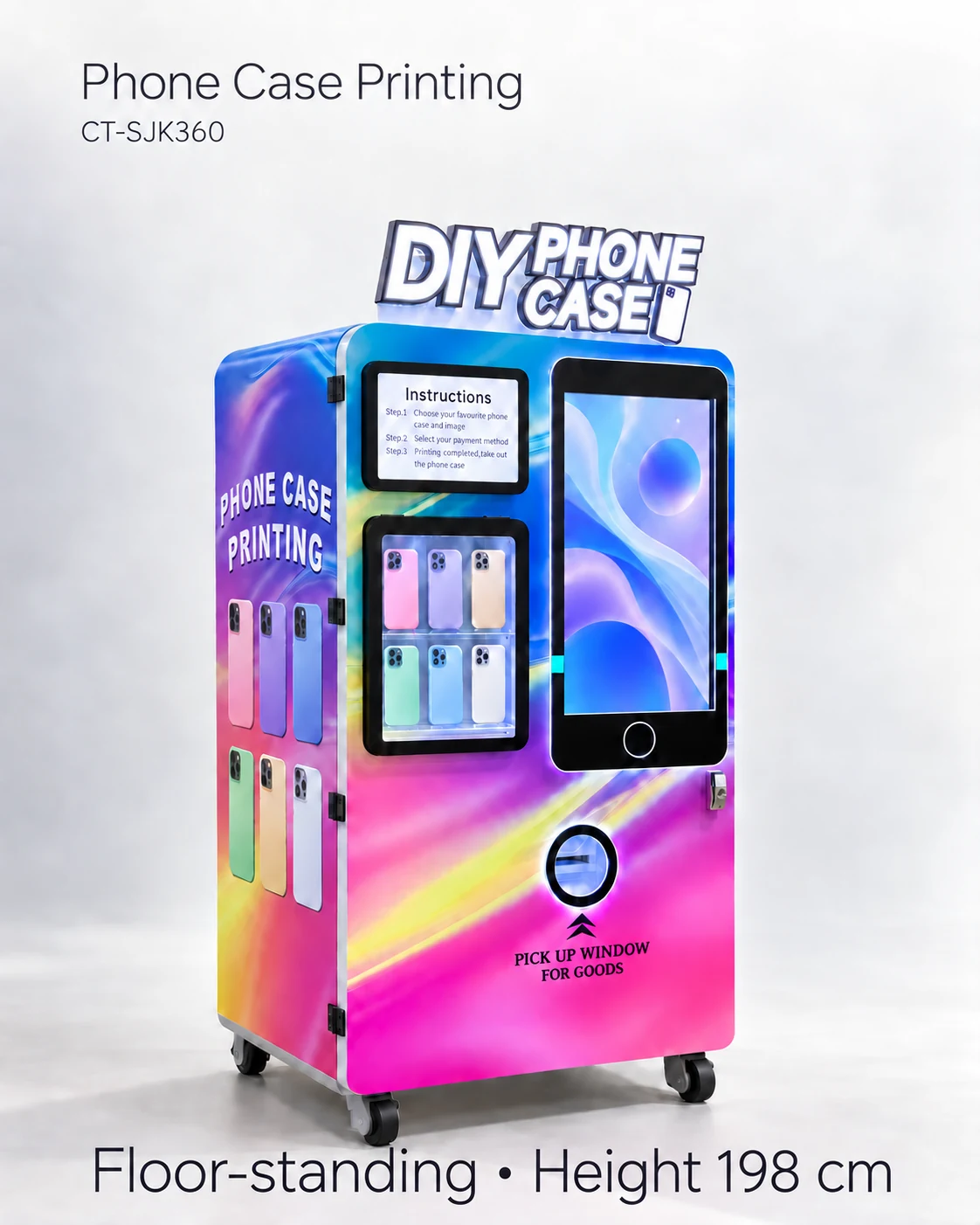
- Automatic Phone Case Printing Vending Machine reference configuration
Model reference and supplier-listed configuration.
- Mimaki official ink safety data sheets
Safety-data documentation indexed by ink product.
PUT THE GUIDE TO WORK
Define printer service requirements
Send the service location, technician access and planned operating schedule. Request printhead and ink identifiers, approved maintenance instructions and itemised support terms.
Build my equipment brief