Import & procurement
Custom Arcade Machine Artwork: Approve Graphics by Cabinet Surface
Approve custom arcade and vending artwork against the exact model and surface, preserving controls, service access and separate screen copy revisions.
Approve artwork by machine and surface
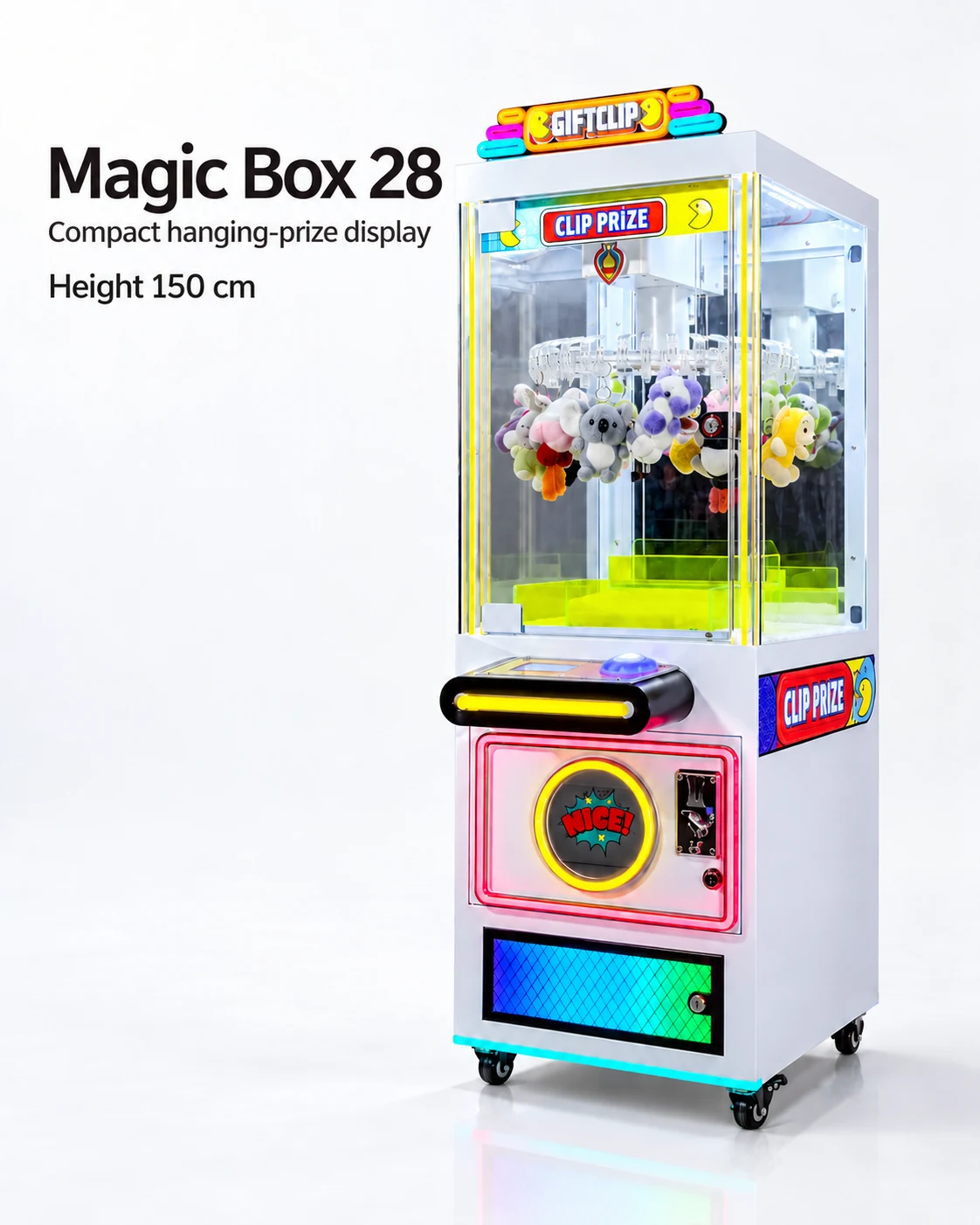
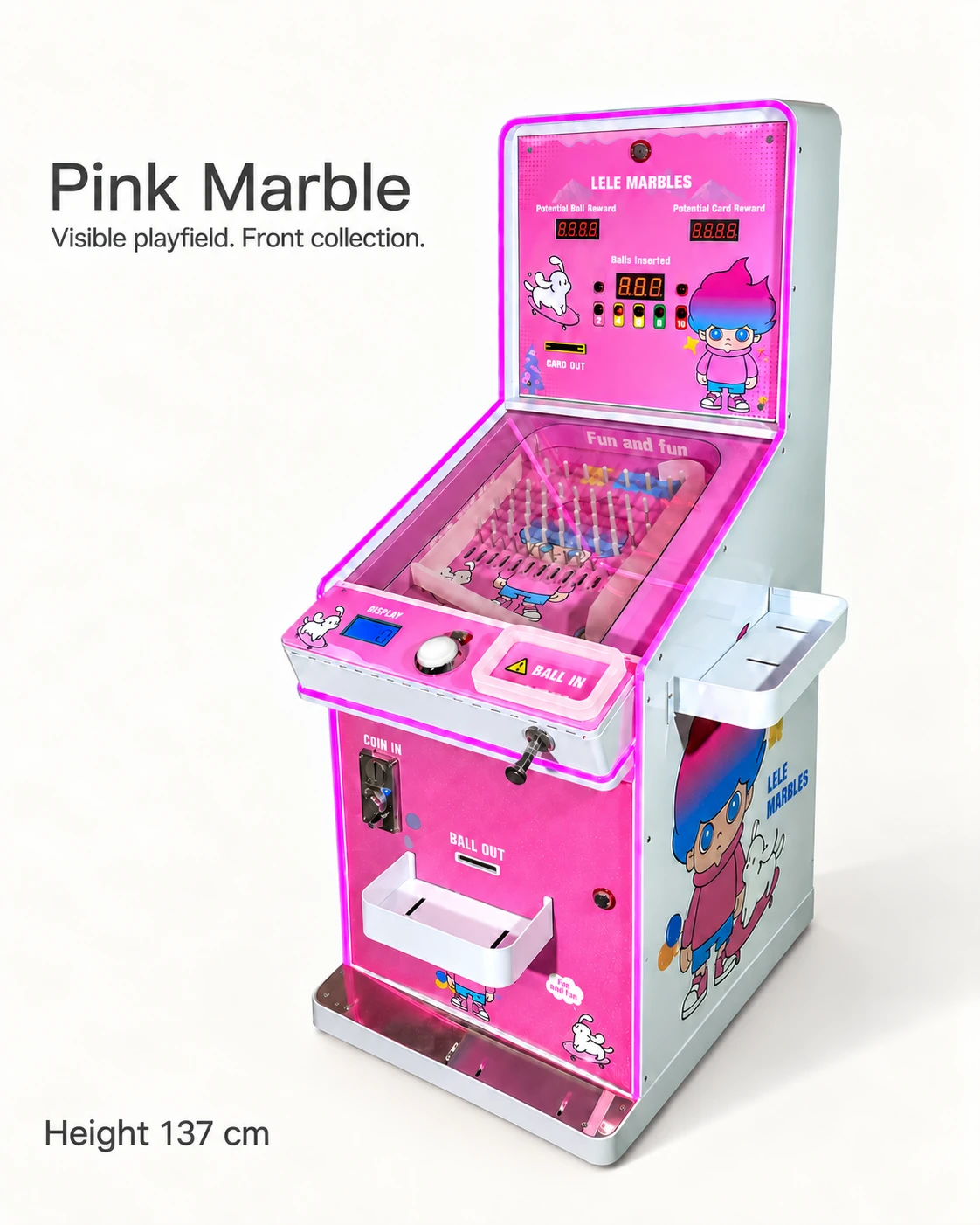
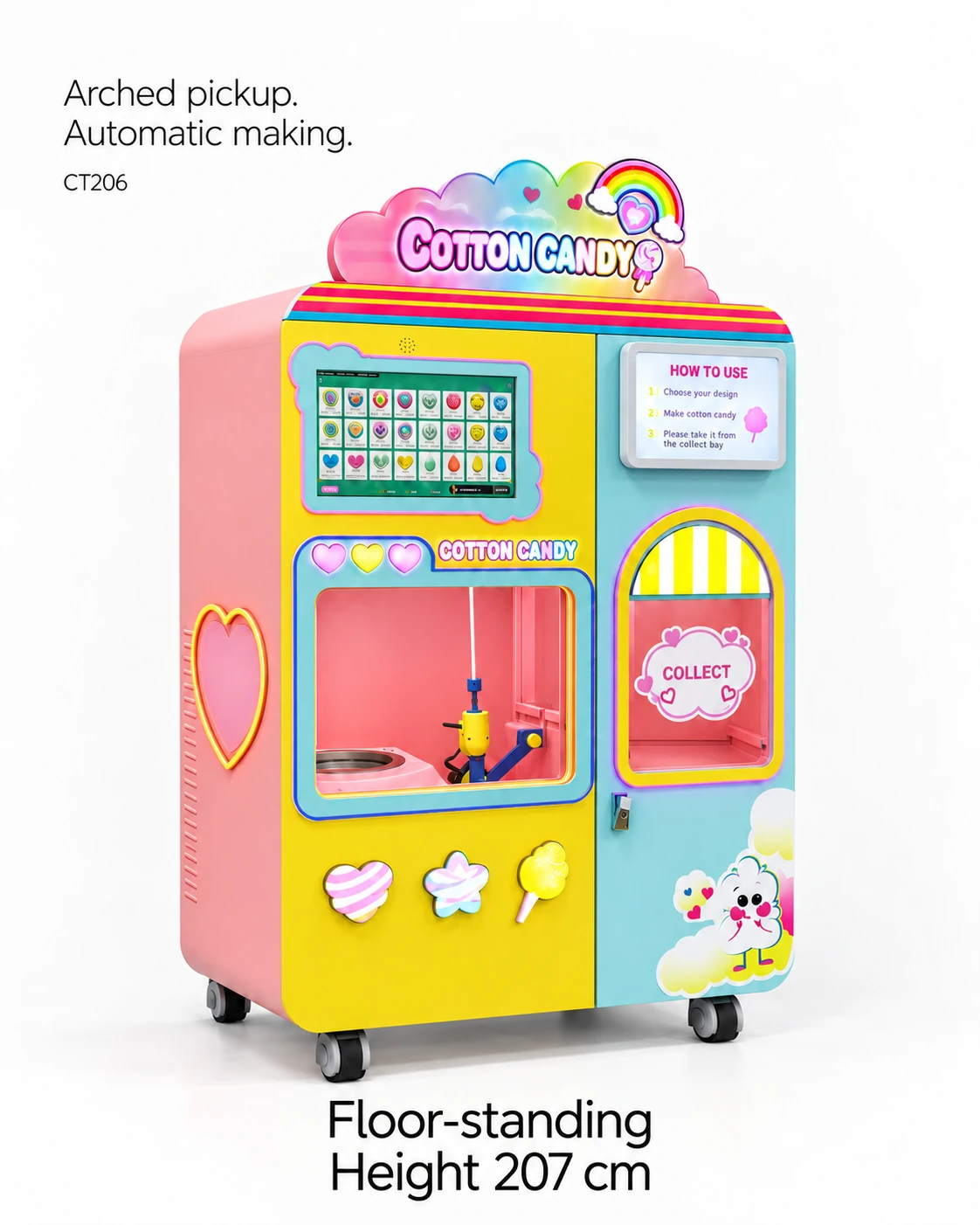
Approve custom arcade machine artwork on the quoted cabinet drawing or labelled model photograph, surface by surface. Match the file revision and placement to controls, doors, visible merchandise and signage. Shared branding can use a common style while requiring a separate producible proof for each machine.
Treat colour, cabinet wrap, top sign and screen graphics as separate design items. Each can have a different template, production method or approval owner. The quoted drawing and supplier feasibility response define which of these changes will form the order.
Create a surface-by-surface approval record
Identify each proposed artwork area using the supplier drawing or a labelled actual model photograph. Attach the exact file, revision and intended dimensions. Record who provides text and who confirms the material, application method and production limits.
Review the graphics around controls, service doors, identity labels and required operating information. A surface may look continuous in a render while opening in two parts on the cabinet. Keeping those boundaries in the proof helps the artwork remain readable and practical.
- Artwork fields: machine line; surface ID; file name/version; dimensions; colour reference; material request; supplier feasibility.
- Review fields: customer task; viewing distance; required instructions; control access; service opening; product visibility.
- Approval fields: buyer reviewer; supplier response; accepted proof; excluded changes; price effect; retest or sample need.
Compare proofs with the physical machine
Ask for a proof that preserves cabinet proportions and actual control locations. Review the artwork against the machine identity and approved configuration. If a top sign changes the envelope or packing plan, update the space and freight worksheets rather than keeping it as a purely visual change.
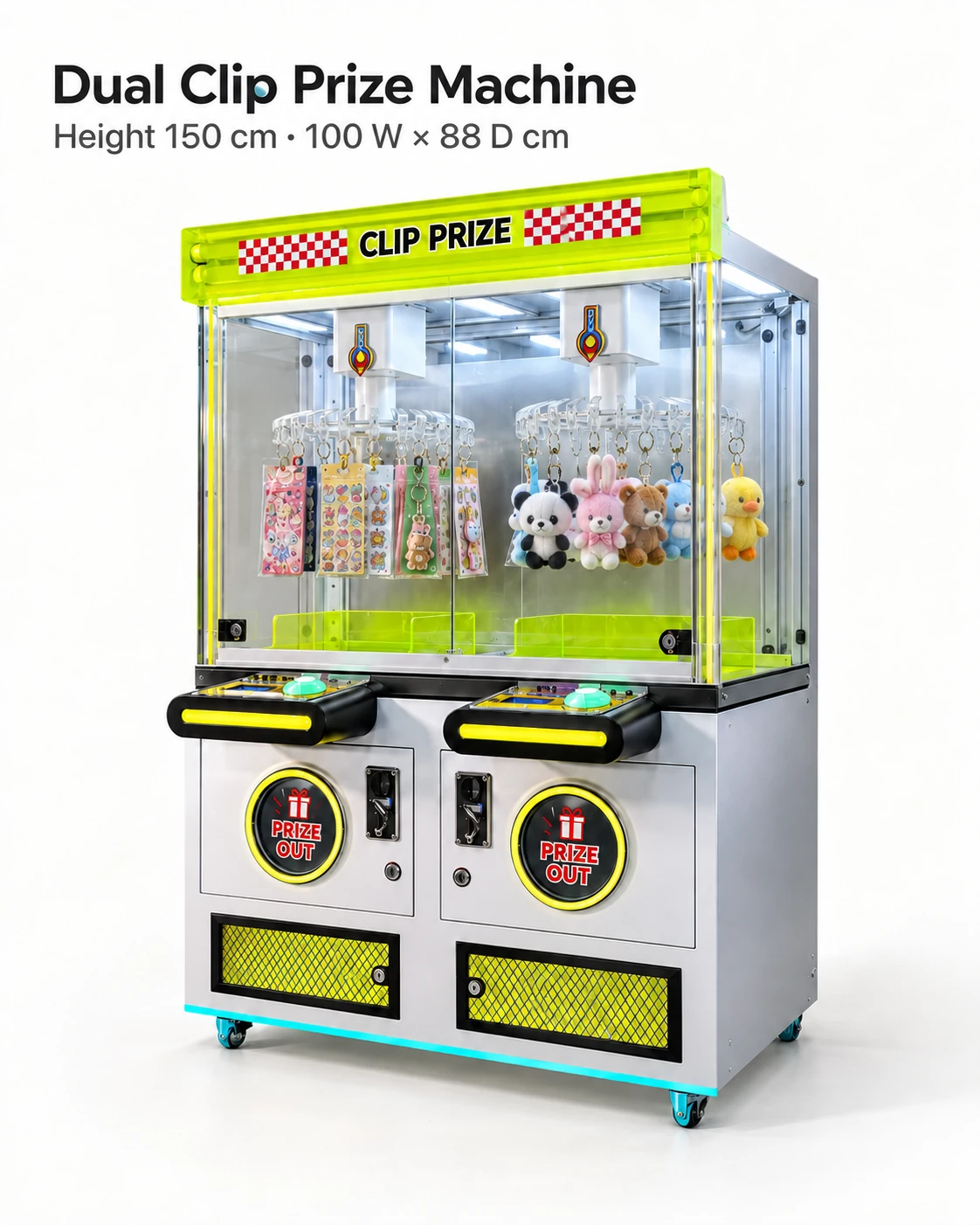
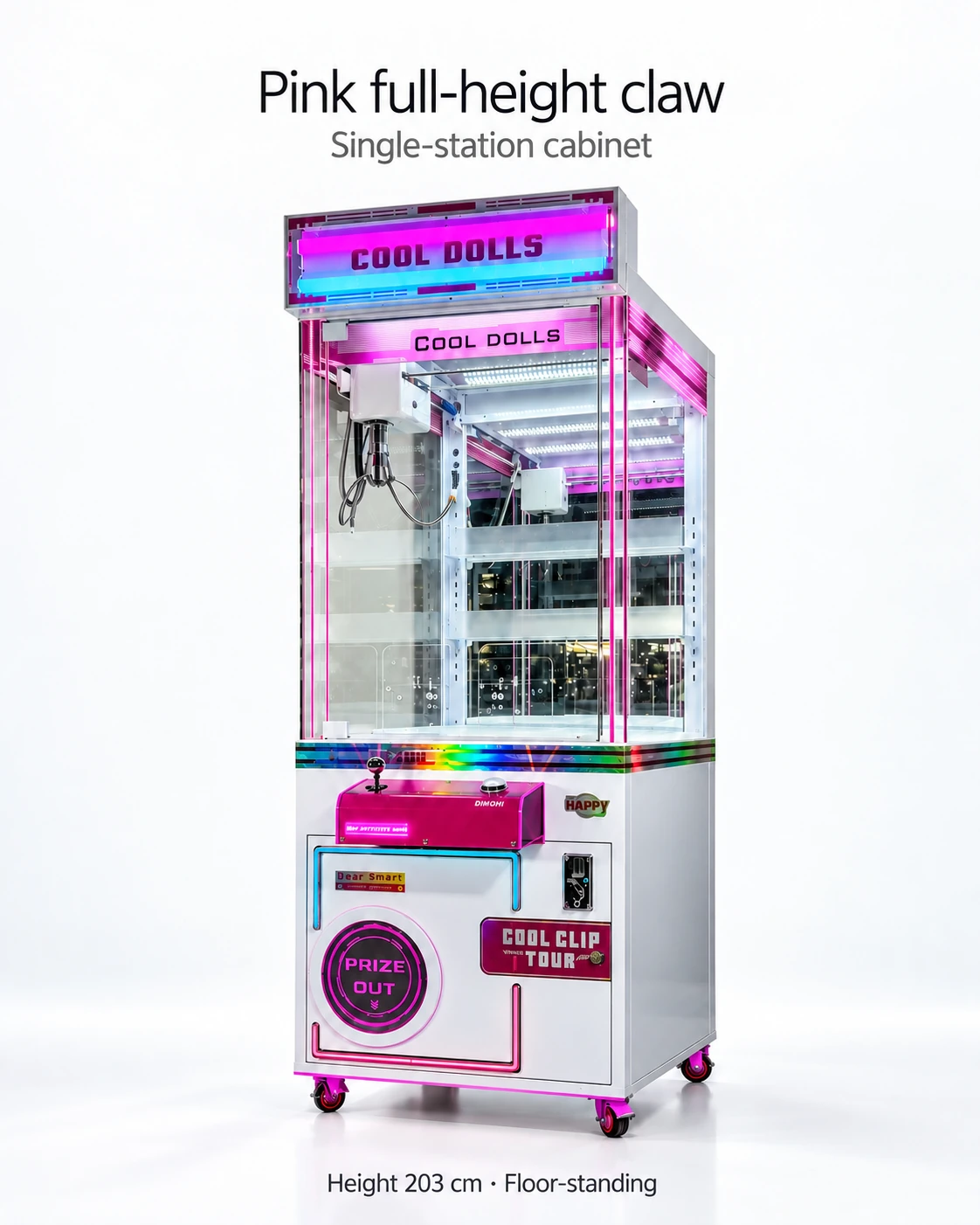
Hypothetical issue: one logo crosses the service door joint on a clip prize cabinet while a matching layout is acceptable on another flat panel. Approve the surfaces independently and ask for an alternative split or placement. A single brand proof should not authorise the same arrangement everywhere.
Control customer-facing screen copy separately
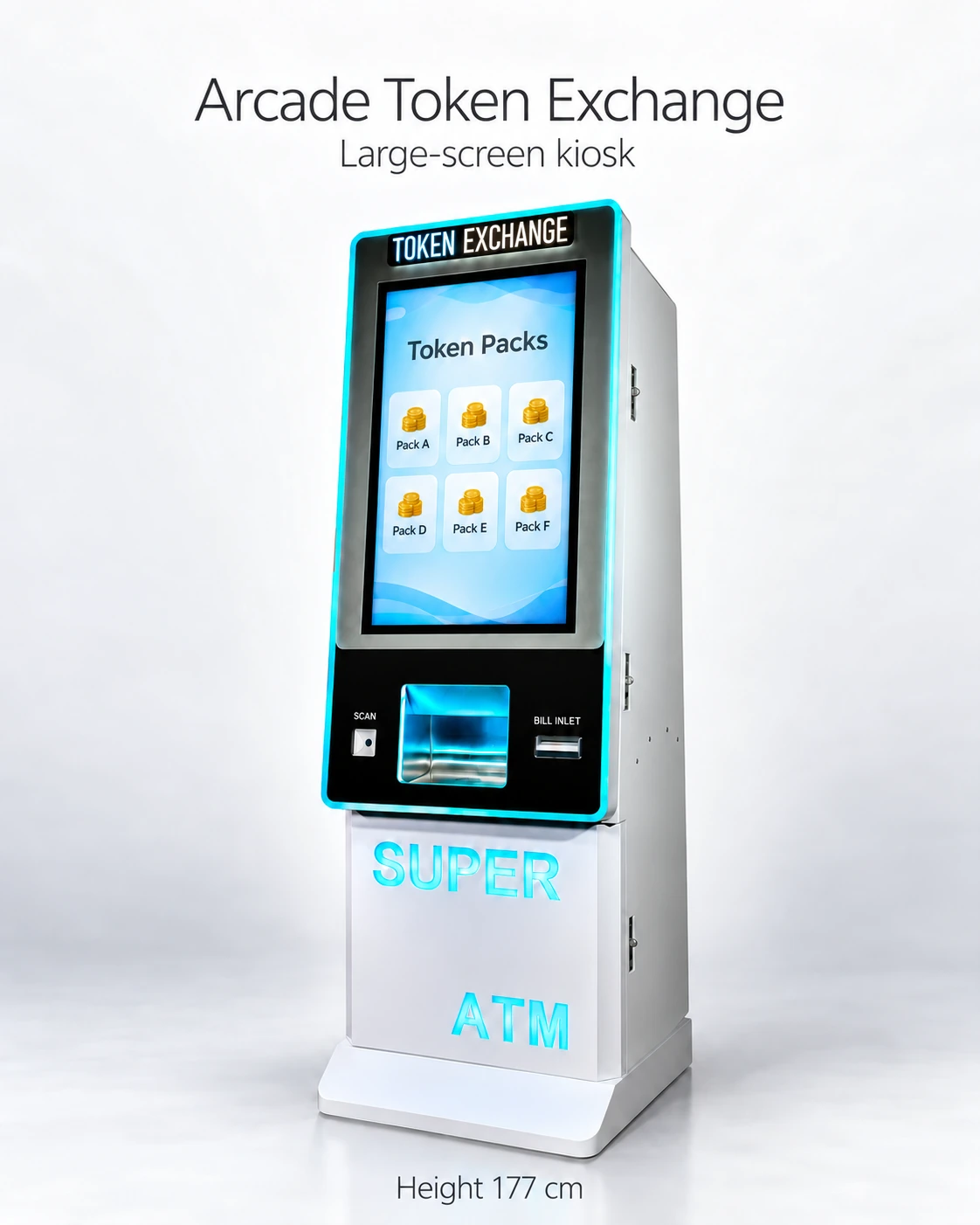
Hardware graphics and interface copy may have different suppliers or change processes. Name both owners. Use approved language for product selection and support, and test the customer journey after any revised screen layout. Translated advertising text does not verify all operating messages.
Use authorised brand files and name who supplies the final text. Keep logos, language and any required notices under the same approval record, while screen messages follow their own software revision. This reduces confusion when several machines carry the same brand.
Artwork approval row
Record: model and configuration; surface ID; drawing; artwork file and revision; print dimensions; supplier material and production notes; visible controls and access; accepted proof; approval owner. Keep screen wording under a separate version so a cabinet-wrap approval does not silently approve software copy.
Freeze a producible version
Retain accepted files, proofs and supplier feasibility notes with the order revision. Ask how substitutions or colour/material changes will be approved and whether a physical sample is needed. Record price and schedule effects rather than promising unrestricted customisation.
The surface log lets the supplier price a specific change and gives the buyer a reference at inspection. It also makes revisions easier: a new logo can be traced to its affected panels without reopening unrelated payment or operating decisions.
CHECK THE REFERENCES
Sources
- Pink Full-Height Claw Machine reference configuration
Model reference and supplier-listed configuration.
- 32-Inch Touchscreen Token Exchange Kiosk reference configuration
Model reference and supplier-listed configuration.
- Arched Pickup Cotton Candy Vending Machine reference configuration
Model reference and supplier-listed configuration.
- Automatic Phone Case Printing Vending Machine reference configuration
Model reference and supplier-listed configuration.
- Nail Art Sticker Printing & Press-On Nail Vending Machine reference configuration
Model reference and supplier-listed configuration.
PUT THE GUIDE TO WORK
Review artwork by cabinet surface
Send the selected models and authorised artwork with required languages. Request dimensioned templates, protected access zones and model-specific proofs before approving graphics.
Build my equipment brief