Claw & prize machines
Claw Machine Sound Settings and Lighting: Test the Venue Setup
Test claw machine sound and light settings from the player and staff positions. Check reflections, instructions, attract audio and saved settings.
Use the demonstrated controls in the actual venue
Set claw machine sound and lighting with its operator controls, then try the agreed settings where it will run. Review prize visibility, reflected light, play instructions and nearby staff conversations from fixed positions. Keep the accepted settings and restoration method with the venue plan.
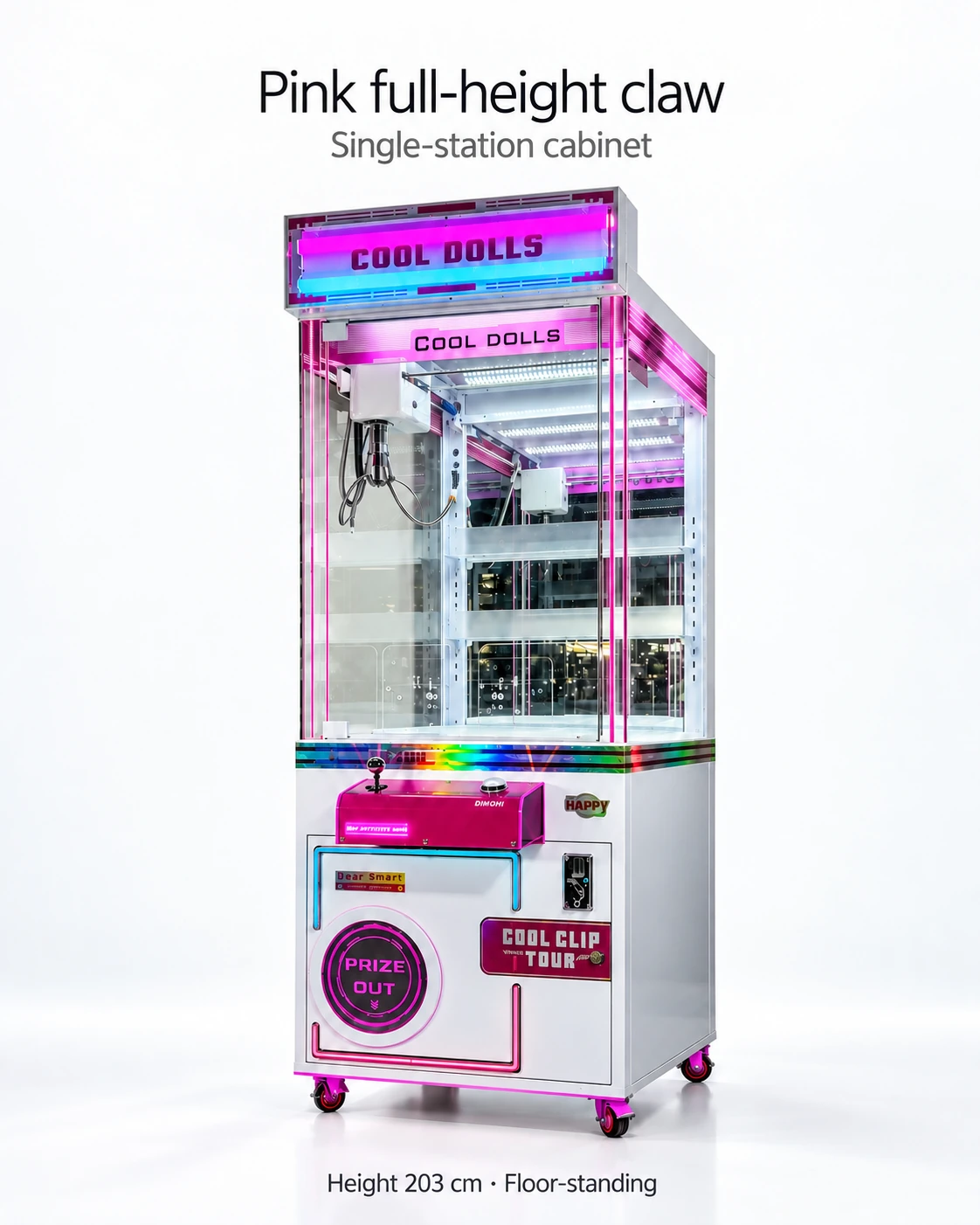
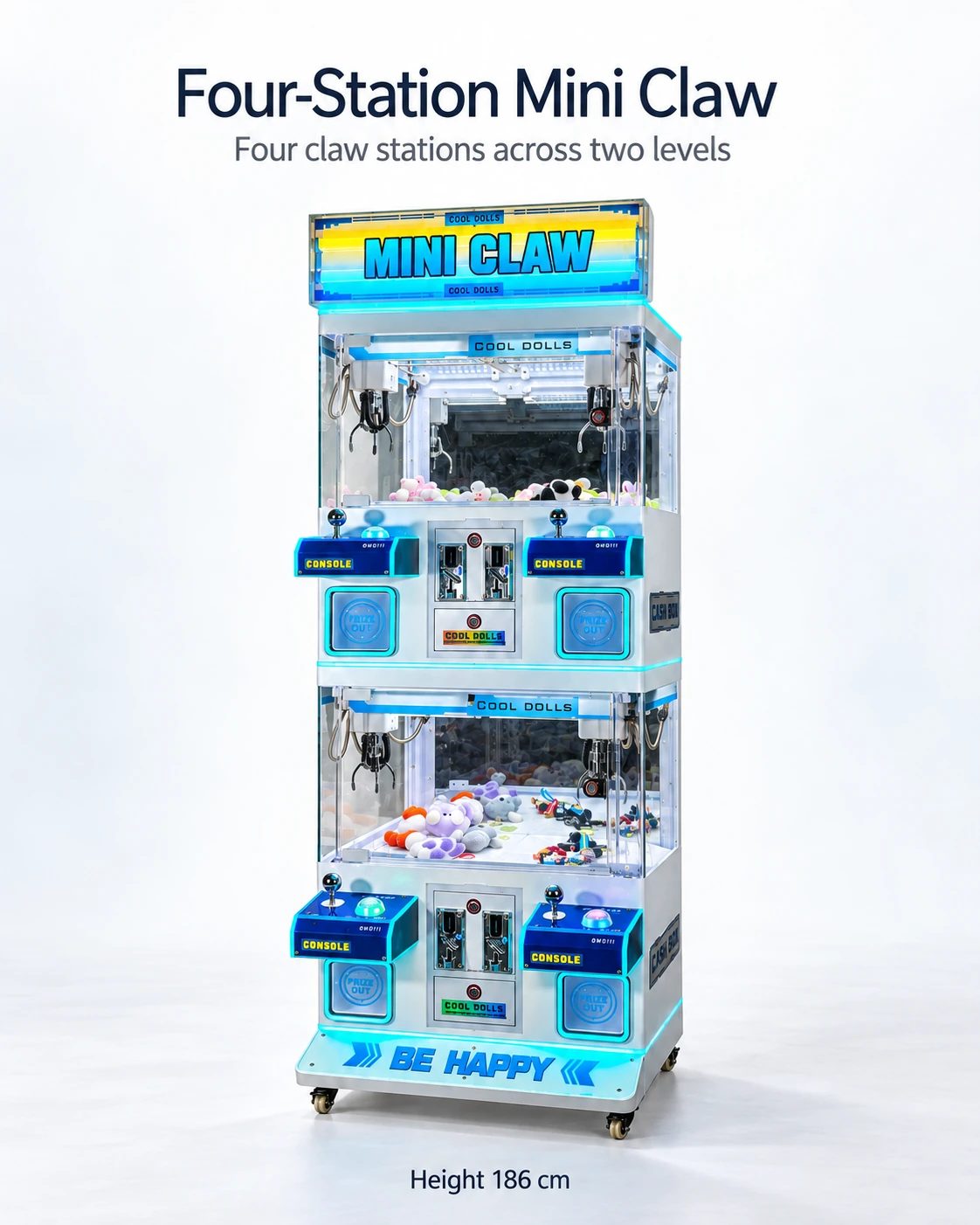
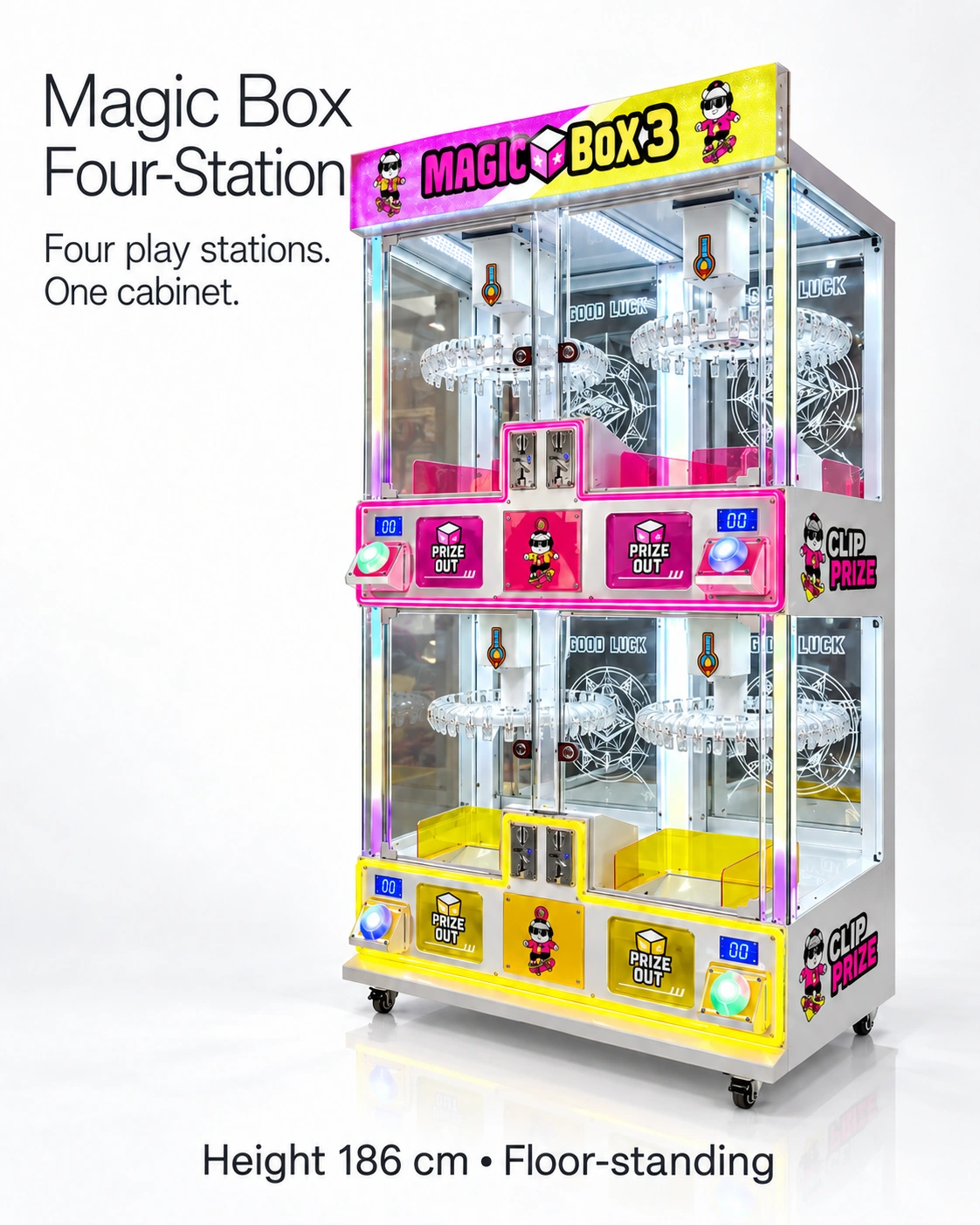
For the Pink Full-Height Claw, Blue Four-Station Mini Claw and Magic Box Four-Station Clip, volume, mute, brightness or pattern adjustment and settings retention remain to be demonstrated for the chosen controller. Make the functions needed by your venue part of the quote brief.
Prepare a venue approval test card
Use the same listening and viewing positions for each candidate. Record time, light and nearby activity, then repeat relevant observations during busy conditions. Include the venue manager's sound, lighting and access requirements on the card.
- Conditions: location, adjacent activities, time, ambient lighting and background sound.
- Player view: prize visibility, price and instruction legibility, reflections and display messages.
- Neighbour view: cashier or staff work position, seated areas and adjacent player positions.
- Controls: demonstrated volume, mute, light adjustment or pattern options supported by the exact version.
- Persistence: agreed settings remain after the supplier-approved restart or service sequence.
- Outcome: venue accepts, requests a change or needs further evidence, with the responsible approver.
Separate attention from interference
Try the instructions during a play while staff speak normally nearby. View the prizes and labels at every station, including the lower positions on a four-station cabinet. Adjust the supported settings or signage where a reflection or competing display makes the task unclear.
ICE provides a separate sounds-and-colours adjustment guide for Grab N' Win. Keep equivalent model-specific instructions for your selected cabinet beside the venue's accepted values, so staff can restore the setup after a reset or authorised change.
Resolve the venue's sound and lighting requirements
Include sound, flashing-effect and access concerns in the venue's qualified review where relevant. Give the reviewer the actual settings, operating hours and intended audience. Use the resulting requirements to decide whether operator adjustment or a separately specified configuration change is needed.
Keep technical servicing separate from operator adjustment. Staff should use controls described in the supplier’s manual and within their authorisation. Do not disconnect a speaker or modify lighting wiring simply to make a trial pass. An approved hardware change should have its own quotation, documentation and acceptance check.
Put the accepted behaviour in the order record
Put the demonstrated functions, accepted operating settings and signage changes in the order record. Match controller and component revisions at handover and name who may alter them. Keep the restoration steps with staff instructions.
Attach the venue card, position and operating hours to the procurement brief. The proposal should separate supported adjustments, configuration changes and items awaiting venue review.
CHECK THE REFERENCES
Sources
- Pink Full-Height Claw Machine reference configuration
Supplier catalogue configuration reference.
- Blue Four-Station Mini Claw Machine reference configuration
Supplier catalogue configuration reference.
- Magic Box Four-Station Clip Prize Machine reference configuration
Supplier catalogue configuration reference.
- ICE Grab N Win sounds and colours support article
Grab N' Win support documentation for sound and colour settings.
PUT THE GUIDE TO WORK
Plan sound and lighting for the venue
Share the position, neighbouring activities, lighting and operating hours to define the required adjustment functions and settings restoration in the quote.
Build my equipment brief