Import & procurement
Arcade Equipment Documents: Match the Model, Build and Destination
Match documents to the ordered model, electrical build and destination review; keep technical evidence separate from invoice and packing records.
Document identity and order scope
Review arcade equipment documents by matching the model, configuration, holder, issuer and stated scope to the actual order. Keep shipment documents such as invoices and packing lists separate from technical reports. Neither a logo nor a file for a similar cabinet settles the destination requirements for your machine.
Begin with two folders: product/build records and shipment records. The first supports review of the selected equipment; the second identifies what is being delivered. This simple division makes it easier for the supplier and destination reviewer to find the file relevant to their task.
Build a document matching worksheet
Give each document a record containing its source, date, complete title and relevant model identifiers. Ask for a readable complete copy where permitted rather than relying on a cropped badge. Record whether the quoted electrical build, components and product use match the scope described.
Then route the file to the reviewer responsible for its scope. Food equipment, payment hardware, contact materials and stocked merchandise can raise different questions. A model-and-build record gives each reviewer a consistent starting point.
- Identity fields: document title; issuer; holder; document number; issue/version information; source; verification status.
- Scope fields: models; ordered configuration; referenced components; test or assessment scope; exclusions.
- Review fields: destination reviewer; question; supplier response; additional evidence; unresolved discrepancy; decision owner.
Handle conflicts without choosing a convenient answer
If the model label, quote and document differ, preserve all identifiers and request a written explanation. The answer may involve a family designation, a production variant or an irrelevant document. Let the qualified reviewer assess the explanation instead of assuming the closest-looking code is acceptable.
Hypothetical example: a supplied report names a 220 V product while the buyer wants a different electrical build. The worksheet asks whether that build is covered and what evidence applies. It does not claim the report is invalid or that the new build is approved.
Separate product documents from shipment documents
A packing list and invoice describe a shipment; they do not replace a technical assessment. Conversely, a relevant product report does not confirm package weights, serial numbers or the consignee. Keep both document groups linked to the order while preserving their different purposes.
Ask the contracted export, logistics and destination parties to identify their roles. Confirm who supplies, reviews and retains each document. Avoid treating a supplier response of export documents available as a complete list or an assurance that no other destination work remains.
Document scope row
Record: document title and source; holder and issuer; model and electrical build; stated scope; status and date; delivered configuration; destination reviewer; conclusion and conditions. Attach invoice and package records as shipment evidence rather than treating them as substitutes for technical review.
Use the worksheet to unblock the quotation
Send exact models, desired configurations and destination with your document questions. Mark which reviews can occur at shortlist stage and which need the final configuration or actual shipment. Have qualified reviewers define the approval conditions relevant to the project.
The document sheet joins the supplier file with the ordered build and the reviewer’s conclusion. Keep its conditions beside the purchase milestone they affect, so document work progresses with configuration and shipment planning.
CHECK THE REFERENCES
Sources
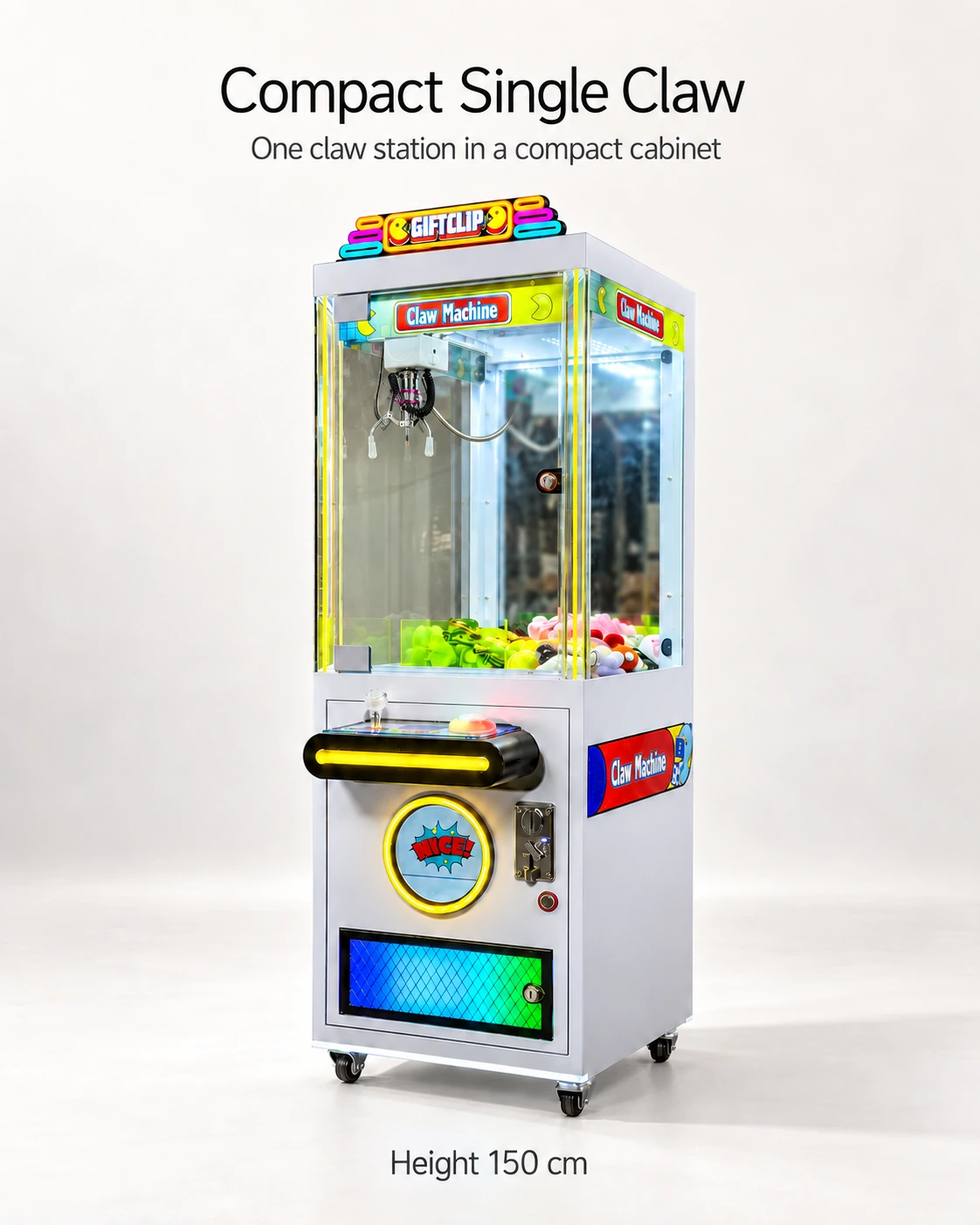
- Compact Single Claw Machine reference configuration
Model reference and supplier-listed configuration.
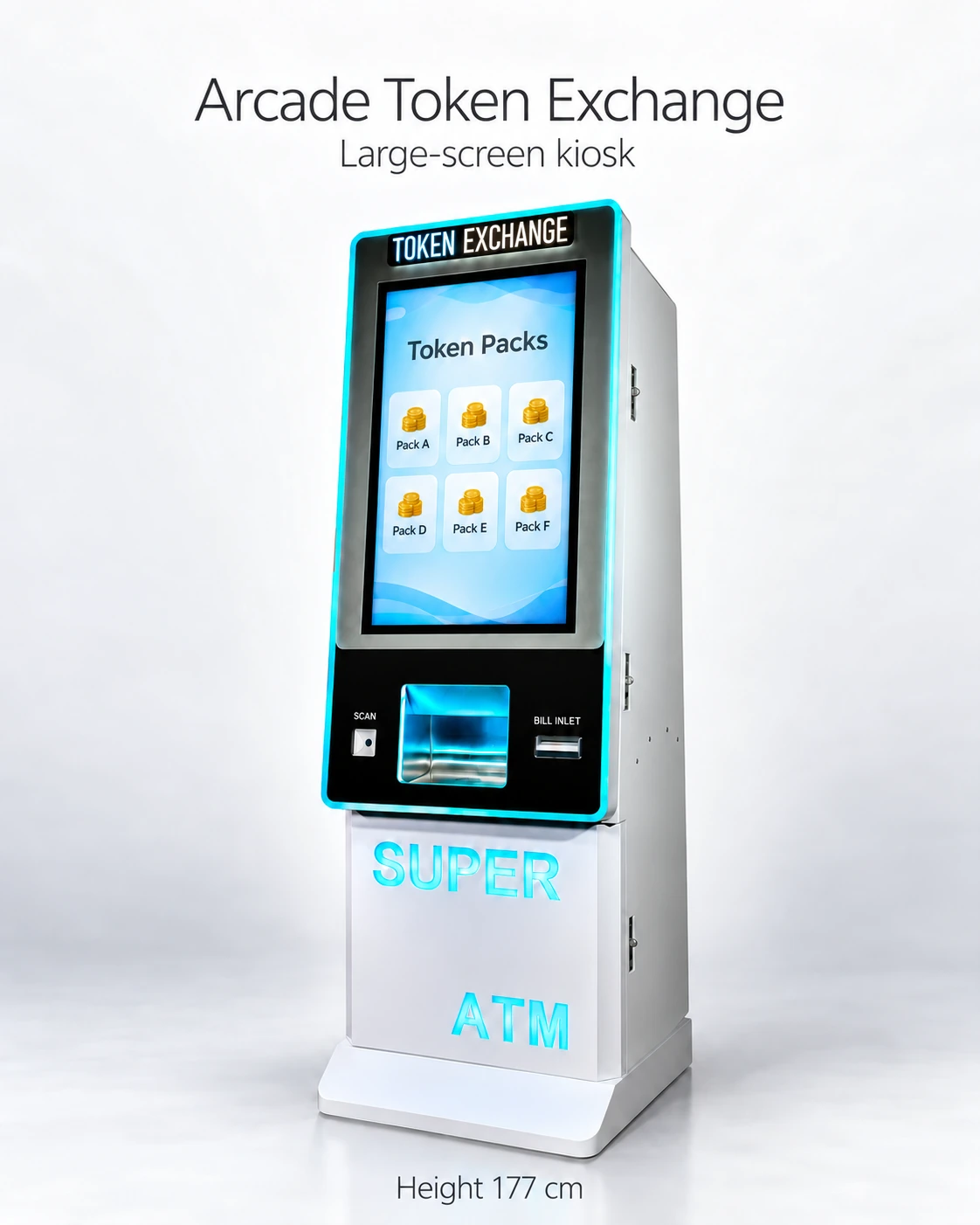
- 32-Inch Touchscreen Token Exchange Kiosk reference configuration
Model reference and supplier-listed configuration.
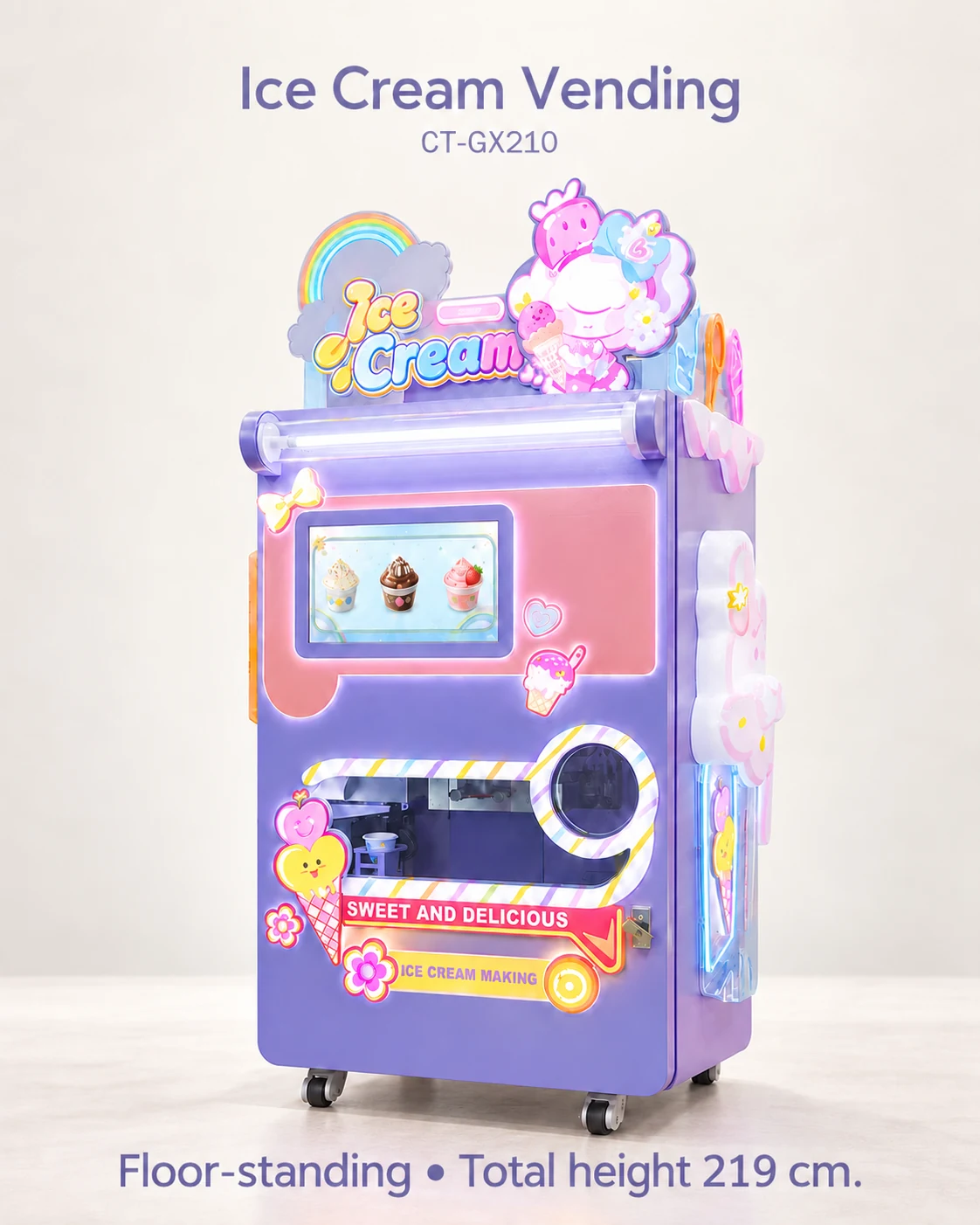
- Automatic Ice Cream Vending Machine reference configuration
Model reference and supplier-listed configuration.
- Nail Art Sticker Printing & Press-On Nail Vending Machine reference configuration
Model reference and supplier-listed configuration.
PUT THE GUIDE TO WORK
Request model-specific documents
Send the model list, destination and intended use. Request documents that identify the exact build and their issuing body, scope and validity for professional review.
Build my equipment brief