Claw & prize machines
Claw Machine Troubleshooting: Record the Fault Before Replacing Parts
Record a claw or prize machine fault by model, event stage, display, stock and settings. Give support useful evidence before ordering replacement parts.
Find the failed stage before guessing the failed part
Begin claw machine troubleshooting by recording whether the fault occurs at startup, payment, control movement, release or retrieval. Save the exact display message, model and controller version, recent changes and safe event footage. Then follow the model-specific support procedure. A credit with no movement and a prize stuck after release are different symptoms; neither proves a motor needs replacement.
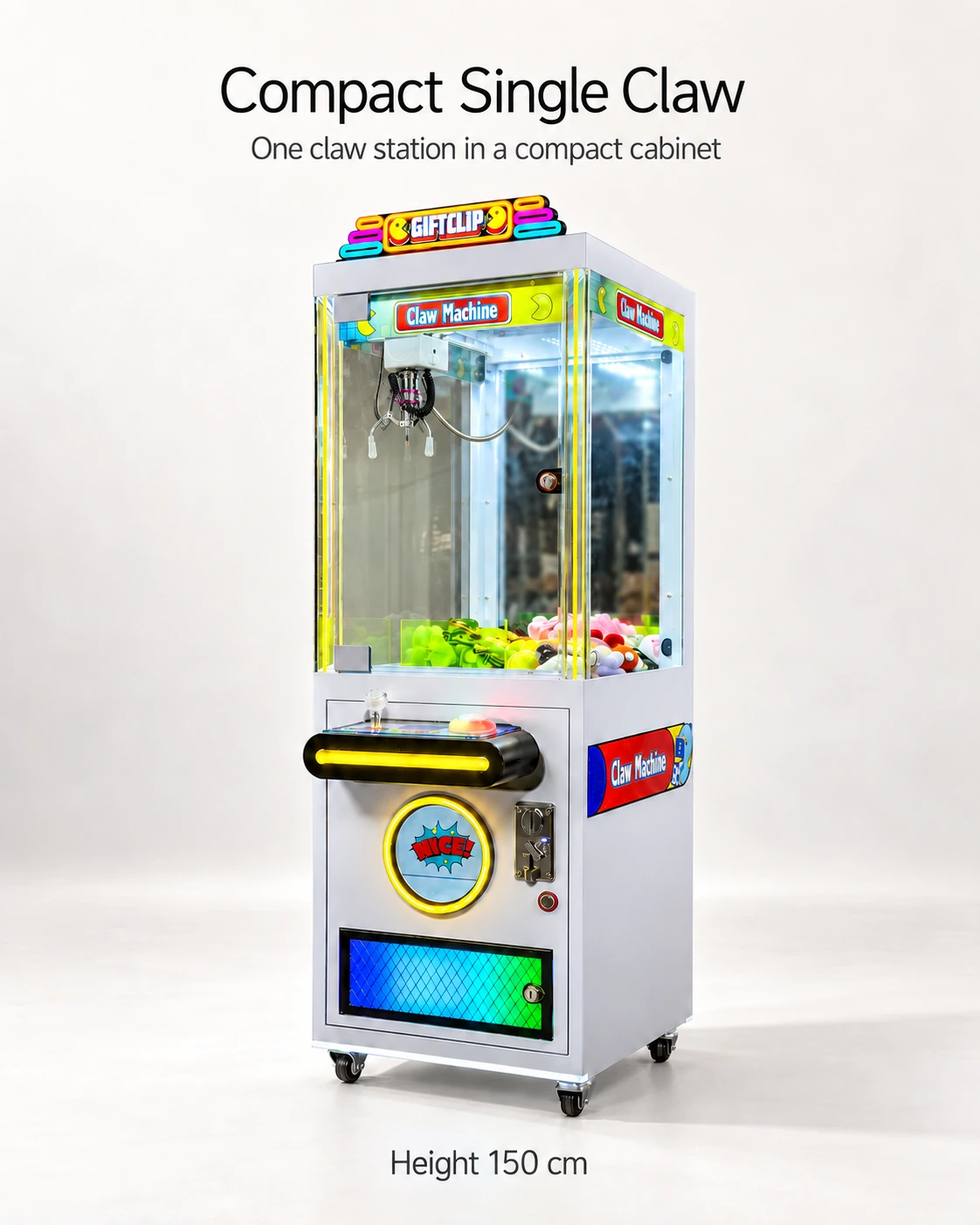
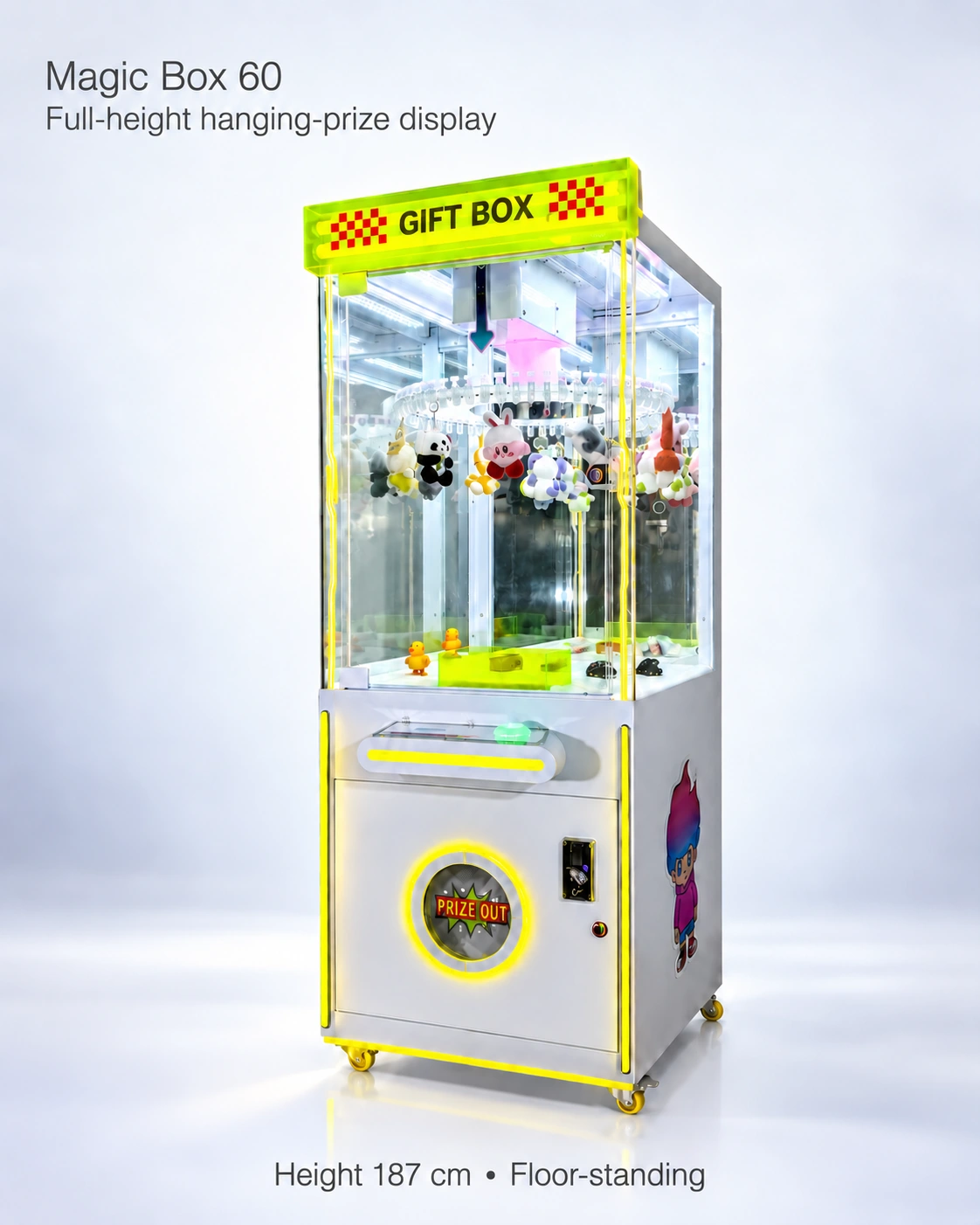
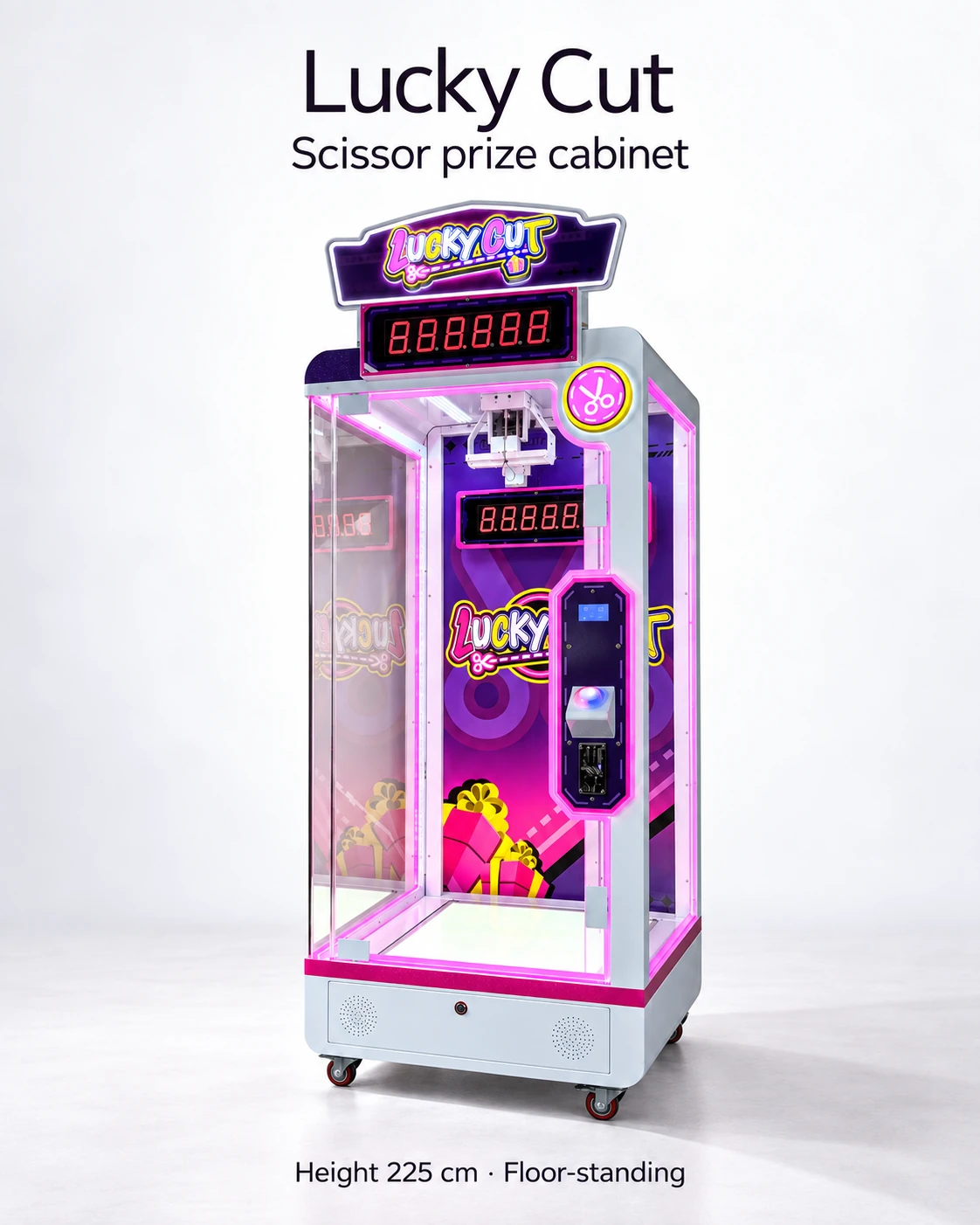
Use the same event-stage report for a claw, clip or scissor cabinet, then route it through that model's support instructions. Fault codes, permitted operator checks and repair procedures still need to be supplied for the Compact Single Claw, Magic Box 60-Clip and Lucky Cut versions.
A first report for common symptom stages
Use these rows to locate the failed step and capture what staff saw. They give support a starting point before a replacement part or technical intervention is selected.
- No ready state at startup: record display, sound and observed motion from the normal customer position, plus the model label.
- Payment accepted but no usable credit: record payment result, credit before and after, selected station and the configured price-to-credit rule.
- Credit present but no normal play: record button or joystick action, timer/display change and where motion stops.
- Prize released but not collected: identify the package revision, obstruction point and normal retrieval state; keep the uncollected stock entry separate from a completed prize delivery.
Build a useful first support report
Give the report a reference number and keep its files together. A technician should be able to identify the unit and locate the event without asking the operator to recreate a risky condition. Record unknowns explicitly, especially when a software revision or previous adjustment is missing.
- Identity: product name, serial label, controller and software version, affected station and installation date.
- Expectation: the normal step that should occur according to the supplied procedure.
- Observation: exact display message, sound, motion or lack of motion and the sequence before it.
- Conditions: prize sample and arrangement, payment method, approved settings and recent changes.
- Evidence: exterior overview, normal customer view, display photo and an uninterrupted clip if safe to capture.
- Actions: authorised steps already taken, time of each action and whether the symptom changed.
Record the event boundary
Identify startup, payment, movement, release, collection or refill as the event stage. Add the observed occurrence count and the available operating time. If the issue cannot be reproduced safely, retain the original footage and follow the support procedure for the machine's current state.
ICE's Grab N' Win troubleshooting guide links startup movement with named sensor and switch inputs. Look for that connection in the support document for your model: a defined sequence, the observed stopping point and identifiable components. It helps the technician narrow the next supported check.
Keep operator checks within the authorised procedure
Use the manufacturer or supplier manual for stopping the machine, isolating service access and performing permitted operator checks. Electrical measurement, blade work, wiring changes and bypassing safeguards require qualified personnel and model-specific instructions. If there is visible damage, unusual heating, exposed wiring or an unsafe moving condition, follow the appropriate stop and service process instead of continuing play to obtain a better video.
Exterior labels, a display photo, authorised settings and the event sequence can form the first report without opening technical compartments. Preserve counters and settings before a reset unless the immediate stop or service procedure requires otherwise.
Close the report with evidence of the result
Close the report with the authorised action, person responsible and repeated operation sequence. Attach the return-to-ready result and any remaining issue. Add an identified replacement part to the spare register. Include these documentation and support responsibilities in the purchase scope so staff know how to report a fault from opening day.
CHECK THE REFERENCES
Sources
- Compact Single Claw Machine reference configuration
Supplier catalogue configuration reference.
- Magic Box Clip Prize Machine — 60 Clips reference configuration
Supplier catalogue configuration reference.
- Lucky Cut Scissor Prize Machine reference configuration
Supplier catalogue configuration reference.
- ICE Grab N Win up and down motor troubleshooting
Grab N' Win support guide linking startup motion with component checks.
PUT THE GUIDE TO WORK
Include practical support in the order
List the intended models and destination, with the fault documents, component identifiers and support responsibilities your staff will need.
Build my equipment brief